Projectors with Bluetooth: What This Feature Really Offers
August 19, 2026
A projector with Bluetooth transmits audio – not video. This is the most important point on this topic, as most disappointments after purchase arise from different expectations. The projector sends its movie audio wirelessly to headphones or speakers; the actual video signal still runs via HDMI or Wi‑Fi. Once you understand this distinction, you will read spec sheets differently in the future.
What Bluetooth can and cannot do on a projector
Bluetooth is a wireless standard for audio data. It is not designed to transmit a 4K video signal—the required data rate is many times higher than what Bluetooth can provide. In practical terms, this means you can wirelessly send the audio from your movie or game to your headphones, but you cannot use Bluetooth to display your smartphone’s screen content on the projector. For video, HDMI, a video-capable USB-C cable, or a Wi‑Fi connection are required. How you can...Connect your smartphone to the projector, explains our separate guide.
Two directions, one concept
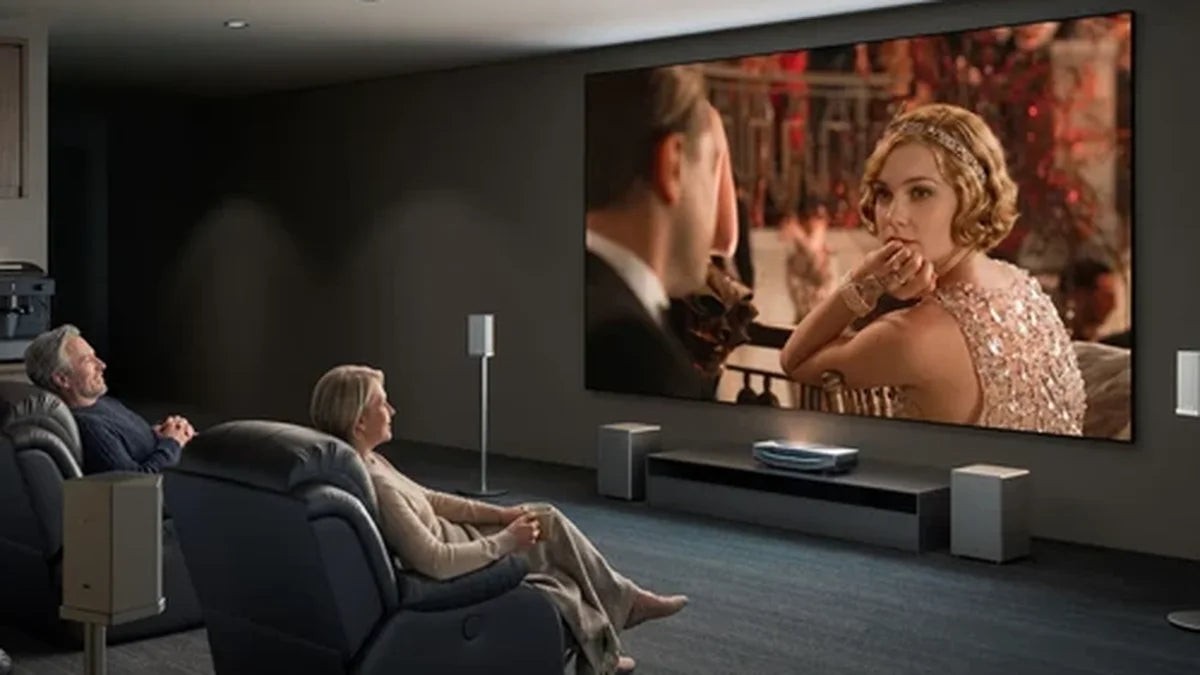
If a data sheet mentions "Bluetooth," it can refer to two completely different things—and many devices only support one of them.
The projector outputs sound.This is the feature most people refer to: the projector pairs with Bluetooth headphones, a speaker, or a soundbar and outputs the audio there, while the internal speakers are usually muted. This direction is more useful and, at the same time, the one most likely to be missing on budget devices.
The projector receives audio.Here, the projector itself functions as a Bluetooth speaker. Simply pair your phone and listen to music through the built-in speakers while the screen remains off. Convenient for background music, but not a substitute for movie night.
At AWOL Vision, both variants are implemented as separate modes: one mode passes audio to a paired audio device, while the other allows the projector to act as a receiver for a smartphone or laptop.
Before purchasing a device, it is worth checking the description to see which of the two directions is actually meant.
How do you connect Bluetooth on the projector?
The process is the same for almost all projectors:
- Set the audio device to pairing mode – usually by pressing and holding the power or Bluetooth button.
- Open the Bluetooth menu on the projector. For AWOL Vision, go to Settings › Bluetooth › Management and select "Add device".
- Select your device from the list and confirm pairing.
- Check the audio menu: The projector must have Bluetooth additionally enabled as an output device; otherwise, the sound will continue to play through the internal speakers.
Step 4 is the most common source of errors, as pairing and audio output are two separate settings. If the device list remains empty, three measures usually help: reduce the distance (to less than ten meters, preferably without walls in between), delete the existing pairing on the projector and set it up again, and move other devices operating in the 2.4 GHz band, such as routers, cordless phones, or microwaves, out of the way.
The downside: latency between video and audio
Bluetooth encodes, transmits, and decodes—this process takes time. Depending on the setup, a delay of several dozen to several hundred milliseconds can occur. With music, this is barely noticeable. However, with dialogue, you may see lips that do not match the audio, and when gaming, the sound response is noticeably delayed. Users ofgaming projectors, where every millisecond counts.
What helps in practice: Use the A/V sync or audio delay function if your projector or source device offers it, keep the distance short, and disable unnecessary audio processing in the signal path. However, this is not a complete solution. In films with calm dialogue scenes, the delay is barely noticeable, but with fast cuts or during gaming, it becomes much more apparent.
Bluetooth or cable – when does each make sense
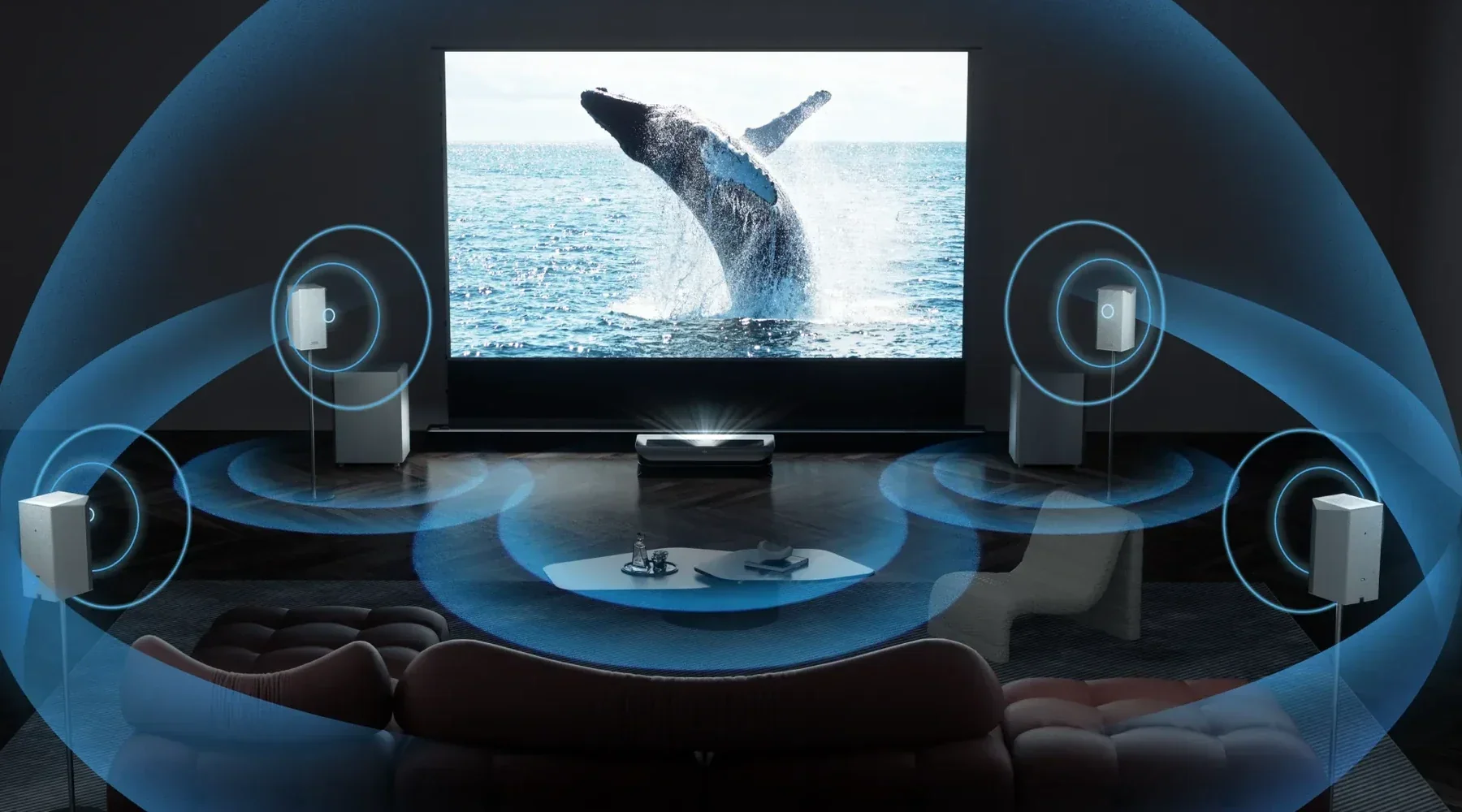
For a permanently installed home theater, a wired connection remains the more reliable choice.HDMI eARCthe sound is delivered not only in sync but also in multichannel to the system – Bluetooth only transmits compressed stereo by default. Our guide will help you determine which solution fits your spaceSpeakers for projectors.
This does not mean that Bluetooth is bad. It is simply a different tool. An optical output, a 3.5 mm jack, and above all an eARC-enabled HDMI port give you flexibility for the future, so you don't have to choose between the two worlds. In practice, most households use both: the system is permanently connected by cable, while Bluetooth is reserved for quiet evenings with headphones.
What to consider when buying
- Does the device actually output sound?‘Bluetooth’ in the specifications may refer only to receiver mode. Look for terms such as audio output, BT-out, or two-way Bluetooth.
- Is there a lip-sync correction?Without adjustable audio delay, you are at the mercy of latency.
- What wired alternatives does the device offer?Optical output, 3.5 mm jack, and eARC-compatible HDMI should be available.
- How do the built-in speakers sound?The better the fundamental sound quality, the less you need Bluetooth at all.
- How many devices can the projector store?Some projectors maintain only a single pairing, while others manage a small list—relevant if you alternate between headphones and speakers.
A projector is more than just its Bluetooth feature. If you want to consider the full range of options, you will find ourProjector Buying Guidethe factors that often matter more in everyday use than the lumen rating on the packaging.
When Bluetooth is truly worthwhile on a projector
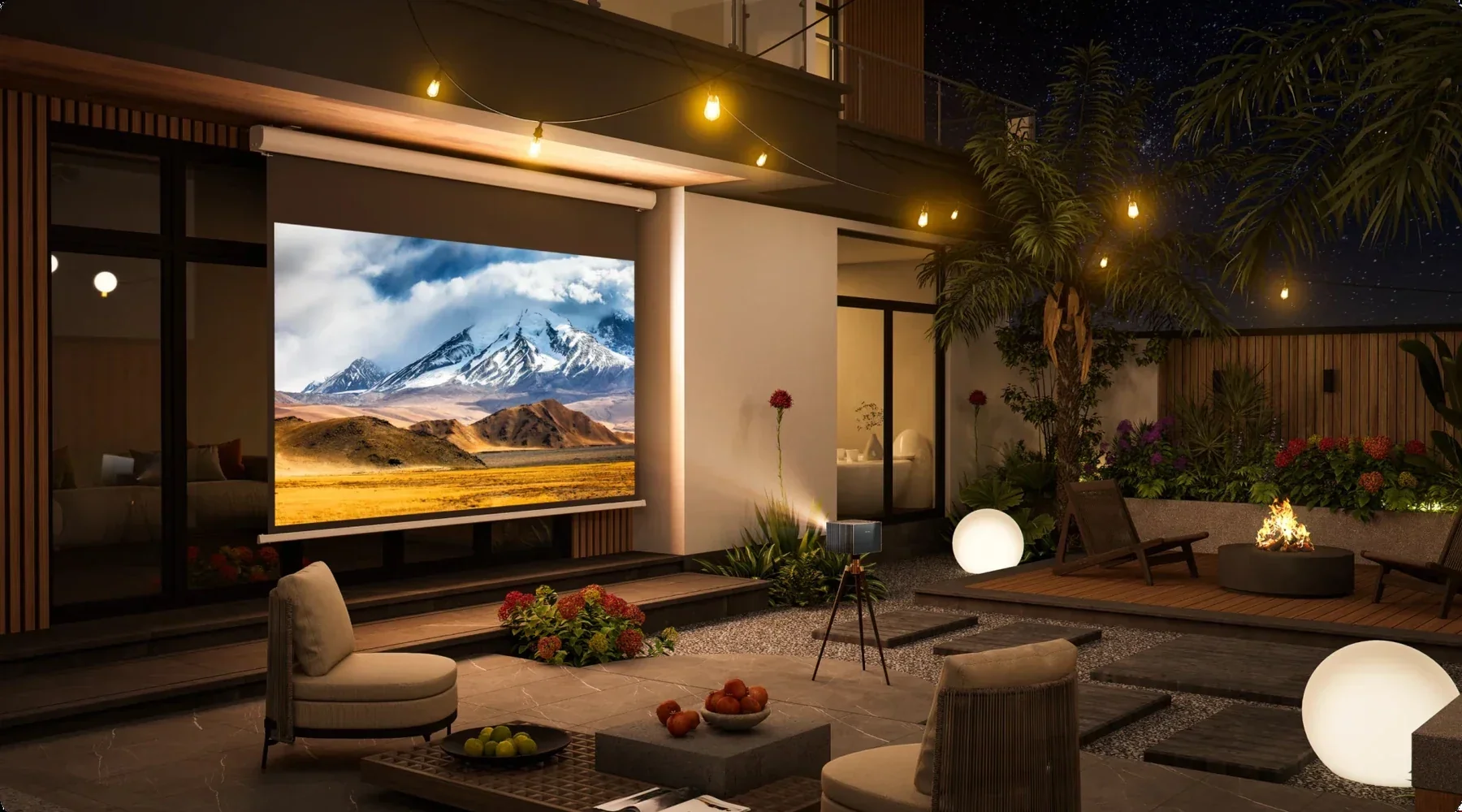
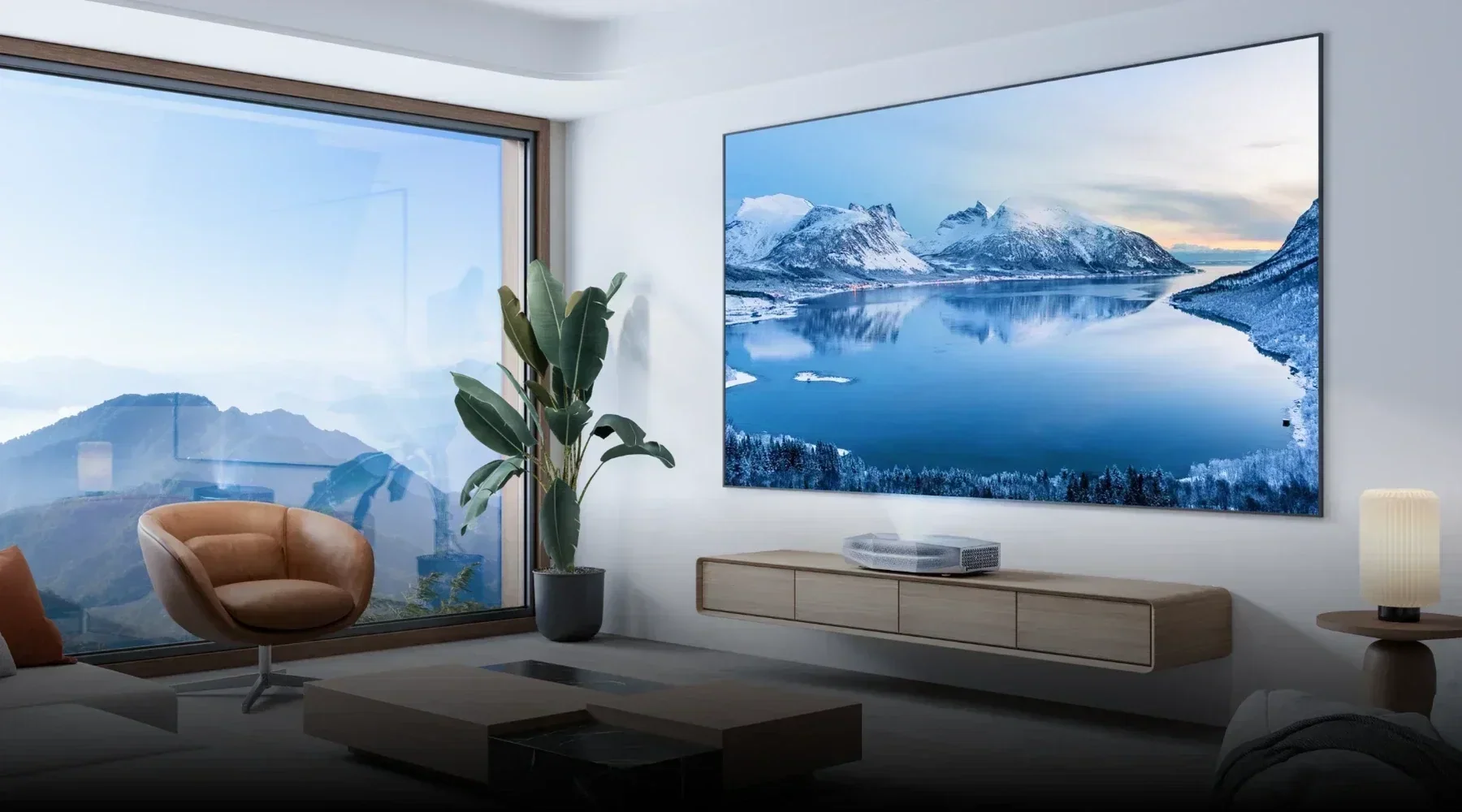
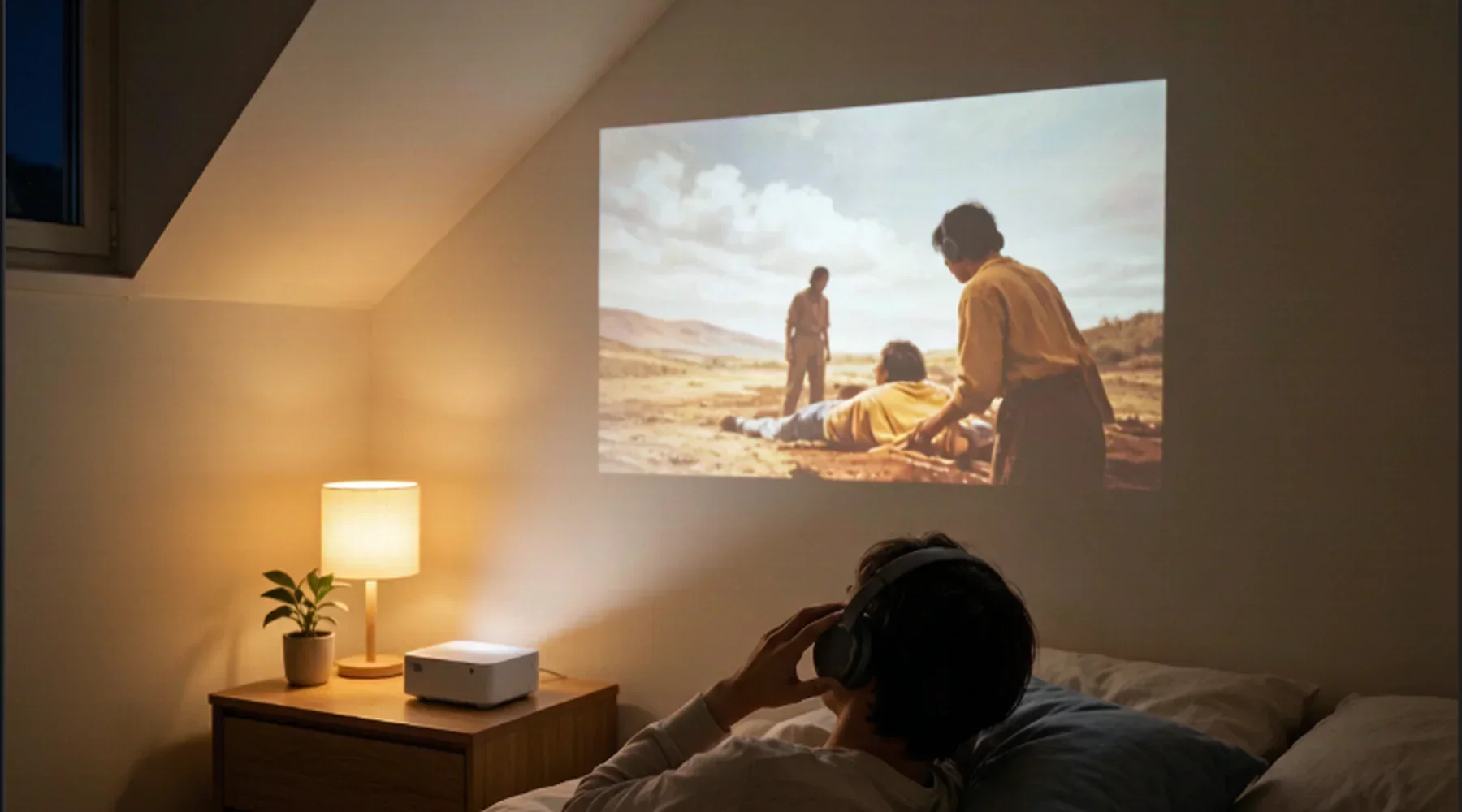
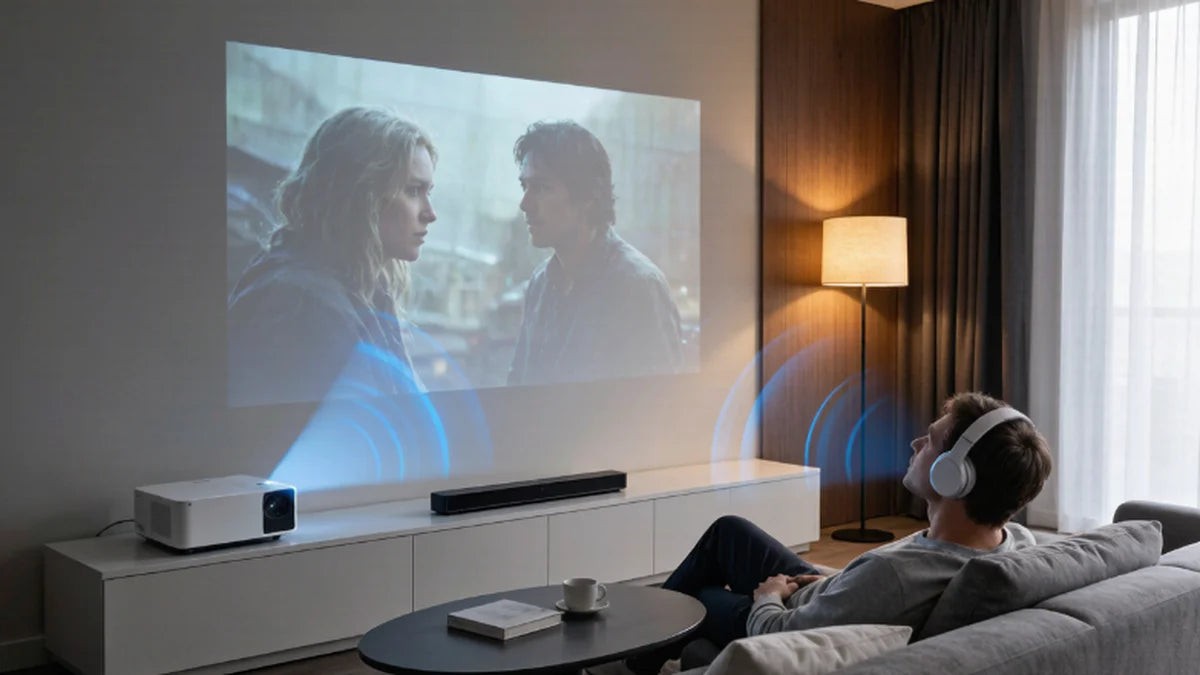
Bluetooth shows its strengths where flexibility takes priority over perfection: watching late at night with headphones without disturbing the rest of the household – a key advantage, especially in theBedroom. Or for outdoor cinema in the garden, on the balcony, or in a holiday apartment where cables are not desired. With an ultra-short throw setup with4K laser TVHDMI eARC serves as the main connection, while Bluetooth remains the convenient option for quiet headphone evenings.
Frequently Asked Questions
Can I connect any Bluetooth speaker to the projector?
No. The projector must be able to transmit audio; a receive-only function is not sufficient. Generally, only audio devices such as headphones, speakers, and soundbars can be paired.
Can I listen via Bluetooth and the built-in speakers at the same time?
Most of the time, no. Once Bluetooth is activated as the output device, the internal speakers are muted. Only certain models offer simultaneous output.
Why is the audio delayed even though the connection is stable?
Stability and latency are two different things. The delay is caused by encoding and buffering and persists even with a flawless connection. Only an audio delay setting or a cable can resolve the issue.
How can I tell if my projector can transmit audio via Bluetooth?
The safest way is through the audio menu: If Bluetooth can be selected as an output device there, the projector supports transmission. If Bluetooth is only found in the network or accessories section, it usually only supports receiving mode.
Conclusion
A projector with Bluetooth is a convenience feature for audio, not a transmission method for video. Keeping this in mind, check the compatibility before purchasing, expect some latency, and still plan for a wired connection in a dedicated home theater setup. This way, Bluetooth serves its intended purpose: a quick and straightforward solution for the moment.
Discover More Insights