Dynamic Tone Mapping Explained: Achieving HDR on Projectors
January 24, 2026
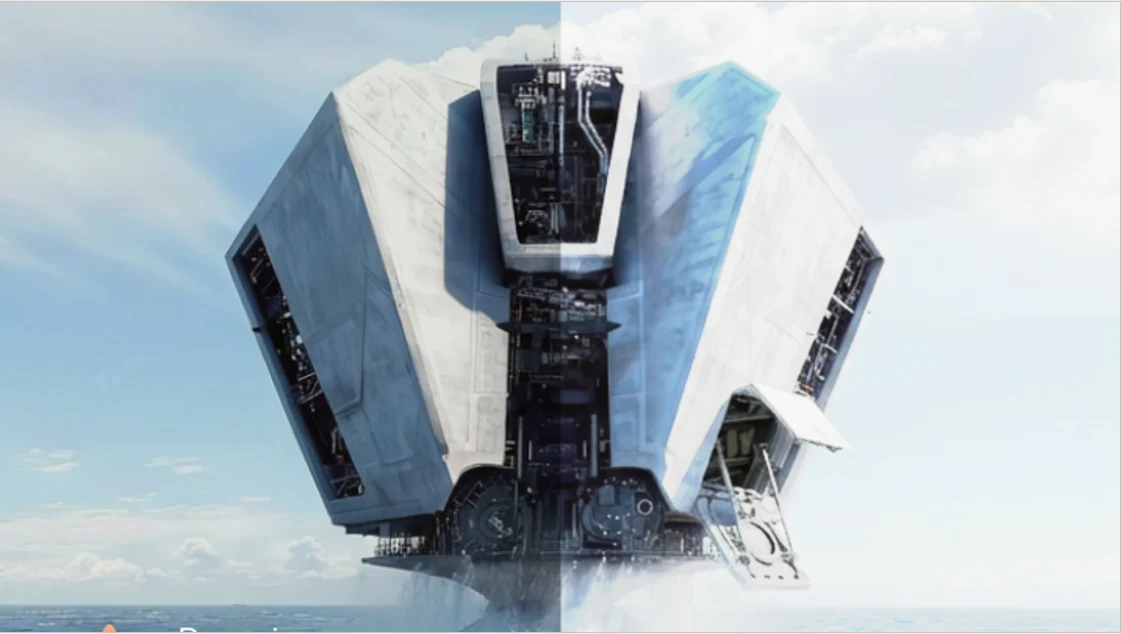
You have invested in a high-quality4K laser projectorinvested to experience true cinema feeling at home. You start a blockbuster, expecting brilliant colors and vibrant highlights – but instead, the image appears unexpectedly dark. Details in shadow areas are barely visible, and bright clouds look like featureless white spots.
Frustrated, you search through the settings and come across the termDynamic tone mapping. In forums, some "purists" advise turning it off for a more natural image. Others strongly recommend enabling it.
The truth is: Most advice online refers to OLED TVs, not projectors.
In this guide, we provide a technical explanation of what Dynamic Tone Mapping (DTM) does, why it is often crucial for ultra-short throw projectors (UST), and how to optimize its settings for movies and gaming.
What is tone mapping? (Simply explained)
Before we discuss "dynamics," we need to understand the fundamental issue.
HDR movies (High Dynamic Range) are mastered in studios on reference monitors that can achieve extremely high brightness levels—often 1,000, 4,000, or even 10,000 nits (cd/m²). Most home theater projectors (and many TVs) are physically unable to reproduce this peak brightness.
If your projector were to display the signal unchanged, this would result in what is known asClipping: Anything brighter than the projector's maximum output would simply be displayed as pure white. Cloud structures or details in an explosion would be lost.
Tone mapping acts here as an 'interpreter'.It translates the film’s extreme brightness range to fit within the displayable range of your projector. The goal is to preserve details as much as possible in both the brightest highlights and the deepest shadows.
Fundamental knowledge:Are you still unsure about the difference between old TV standards and the latest technology? Read our guide onSDR vs. HDR in home theater.
The problem: Why is the HDR image often too dark?
The most common criticism of HDR projection is a subjectively dark image. This is often due to the type of tone mapping used.
Static tone mapping (the old standard)
The standard formatHDR10uses static metadata (e.g., MaxCLL and MaxFALL) that apply to the entire film. The projector must derive a single tone-mapping curve for the entire duration.
- The disadvantage:The projector has to make compromises. If it optimizes the curve for a very bright beach scene, a dark cave scene later in the film is often displayed too dark. The image appears lackluster.
Dynamic tone mapping (the modern solution)
Dynamic Tone Mapping (DTM)works smarter. It continuously adjusts the tone mapping curve—often scene by scene or even frame by frame (depending on the manufacturer).
- The advantage:It's as if the brightness control is recalibrated for every moment. In dark scenes, the curve is adjusted to reveal shadow details; in bright scenes, it is corrected to prevent overexposure.
Important note:For formats such asDolby VisionorHDR10+Dynamic metadata is already available, allowing precise control of tone mapping. In this case, the projector does not need to "guess" but instead follows defined guidelines. However, tone mapping still occurs to adapt the image to the hardware.
The “projector factor”: Why TV advice often doesn’t apply here
In many hi-fi forums you will read:Turn off dynamic image enhancers to avoid distorting the picture.
This advice is generally correct for OLED TVs in completely dark rooms.For projectors, it is often counterproductive in practice.
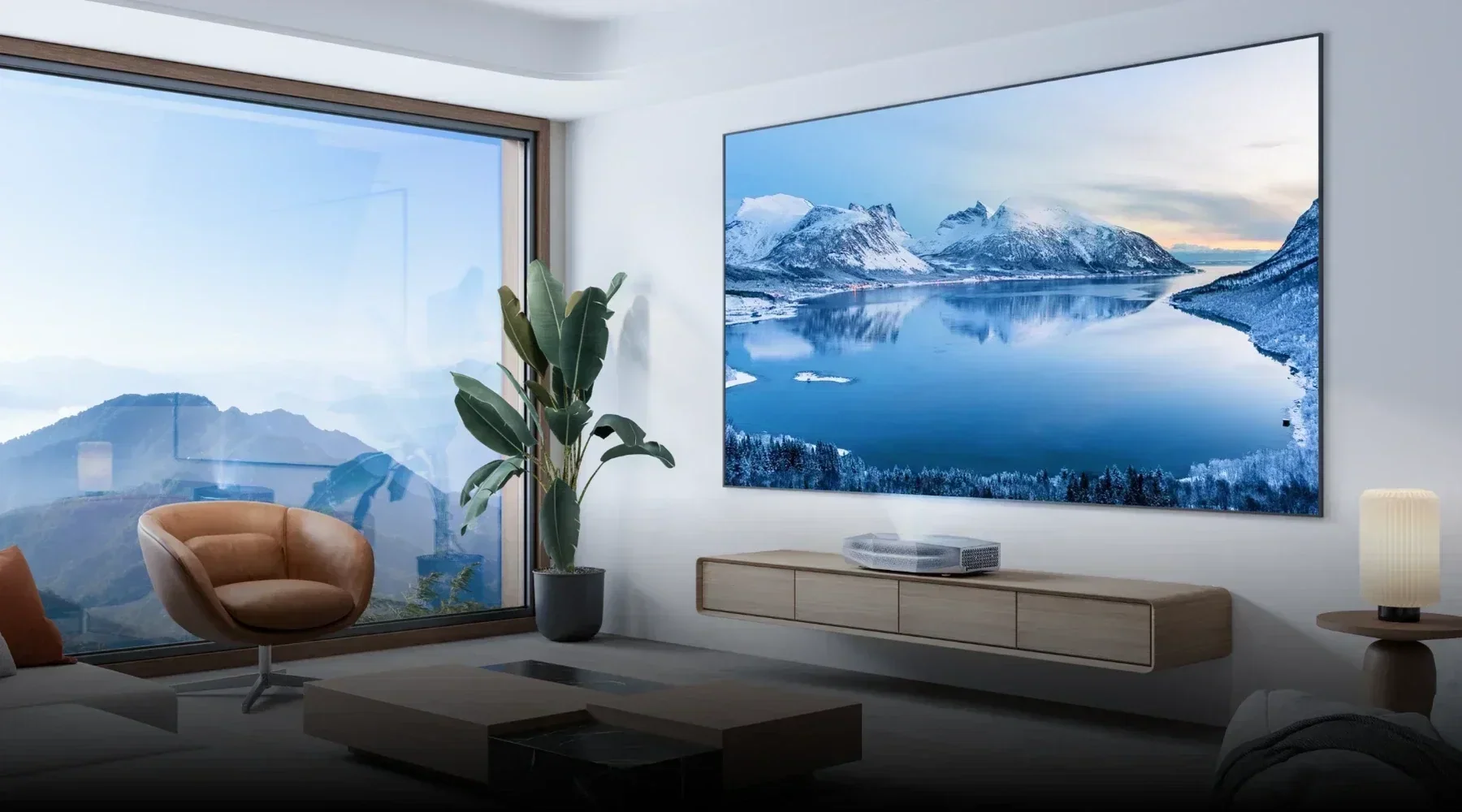
A projector does not emit light itself like a television, but projects reflected light onto a screen measuring 100 to 150 inch. As a result, the luminance (cd/m²) across the large surface is physically lower than that of a TV.
Without dynamic tone mapping, HDR often appears too dark on the big screen because the projector reserves brightness for highlights that it can hardly reproduce.DTM is therefore often not an "artificial effect" in projectors, but a necessary compensation, to preserve image impact and detail.
Gaming Special: HGiG or DTM?
Gamers often face a dilemma: maximum visibility (to spot opponents in dark corners) or maximum signal fidelity?
Option 1: Dynamic Tone Mapping (DTM)
- Pro:Actively brightens shadow areas and delivers a high-contrast image. Ideal for gaming in rooms with ambient light or for competitive shooters.
- Contra:Since the projector performs image processing, this may, depending on the model and mode, affect theInput lag(input lag) increase.
Option 2: HGiG (HDR Gaming Interest Group)
HGiG aims for the display to largely disable its own tone mapping and rely on the console's HDR calibration.
- Pro:High signal fidelity and often lower input lag, as less image processing is involved.
- Contra:On projectors, the image with HGiG often appears darker than desired, as many games are primarily optimized for brighter TV displays.
Practical example: Dolby Vision gaming
Some modern projectors, such as theAWOL Vision Aetherion Max & Pro, supportDolby Vision for gaming(e.g., on Xbox Series X). In this case, the console provides dynamic metadata, allowing for precise control without aggressive display-side DTM. AWOL specifies an input lag in the 1 ms range (at 240 Hz) and VRR/ALLM support for the Aetherion in the corresponding mode (manufacturer information).
The Hardware Foundation: Why Software Alone Is Not Enough
An algorithm can only perform as well as the hardware running it. A DTM algorithm on a low-brightness projector often results in a washed-out gray. Two physical properties are crucial for true HDR:
- Brightness reserves (lumens):To make highlights (such as headlights or stars) shine, the projector needs brightness. TheAetherion Maxis specified, for example, at 3,300 ISO lumens (Aetherion Pro: 2,600 ISO lumens), which provides more headroom for tone mapping.
- Native contrast:Tone mapping often needs to brighten dark areas. If the projector does not have good black levels, black becomes a dark gray. A high native contrast ratio (AWOL, for example, specifies 6,000:1 for the Aetherion) ensures that even brightened shadows retain depth.
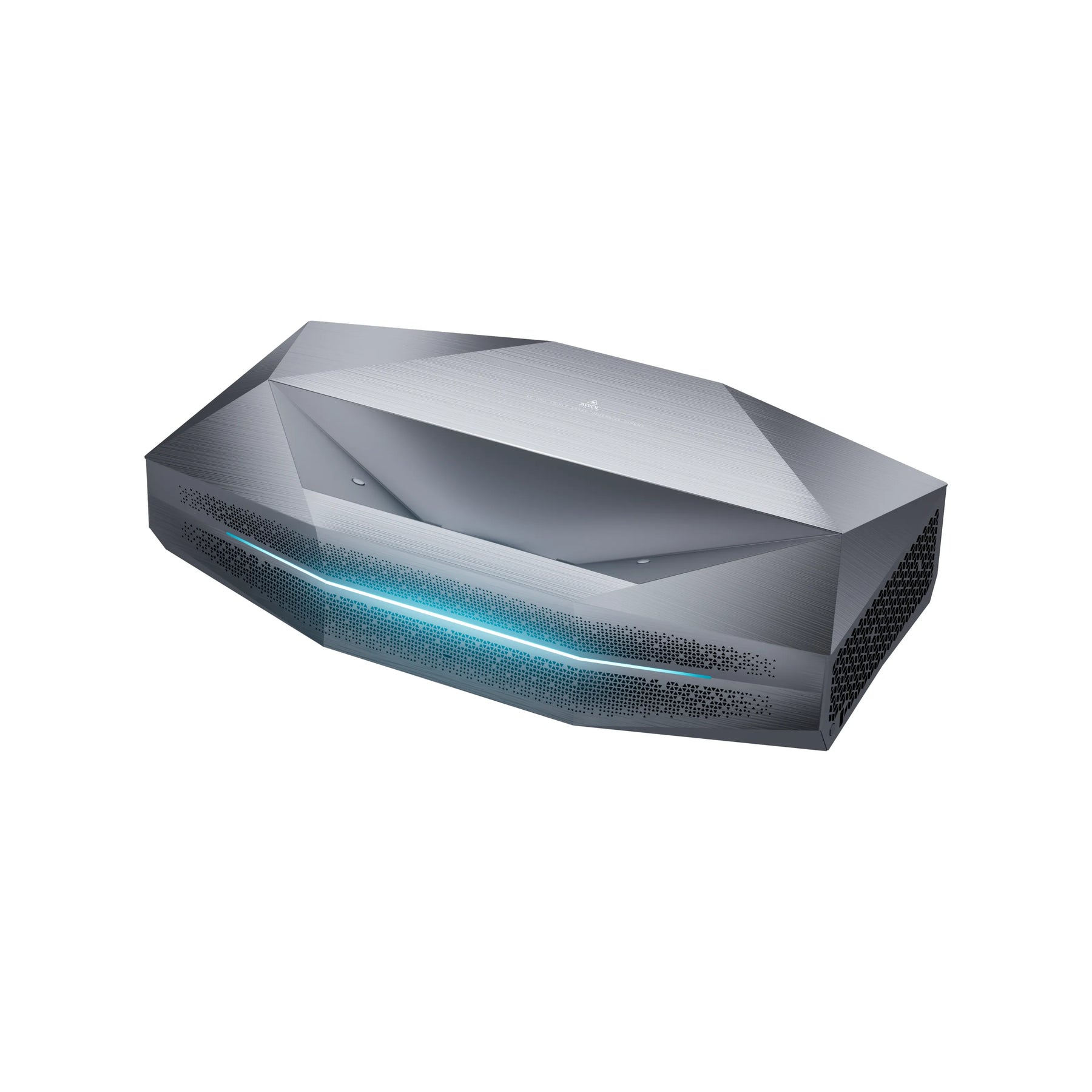
Aetherion Max 4K RGB ultra-short throw projector €3,699.00 €3,999.00 4K up to 200 inch 3300 ISO lumens 6000:1 contrast PixelLock™ Anti-RBE 2D/3D 110% Rec.2020 VRR + 1 msPre-order
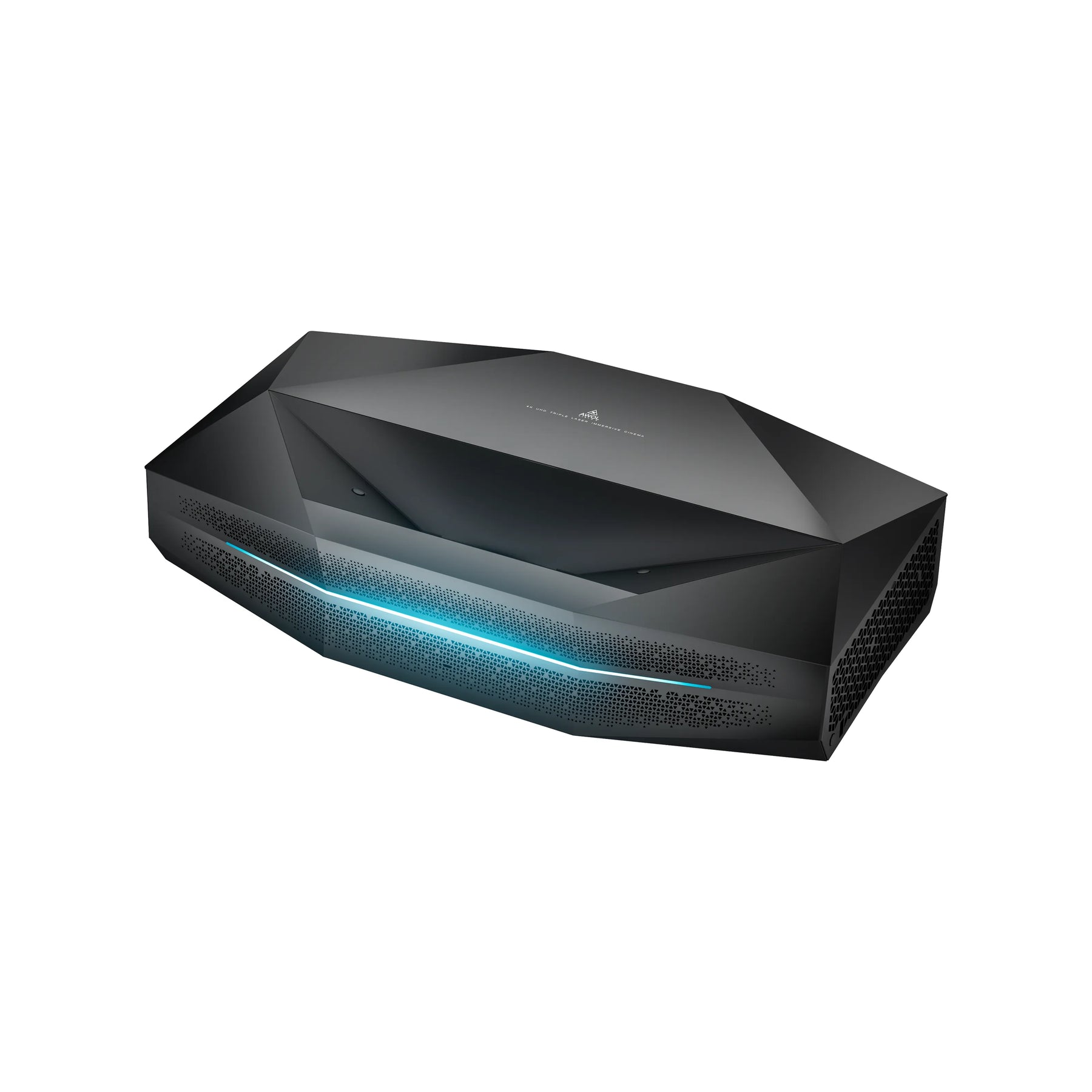
Aetherion Pro 4K RGB ultra-short throw projector €2,799.00 4K up to 200 inch 2600 ISO lumens 6000:1 contrast PixelLock™ Anti-RBE 2D/3D 110% Rec.2020 VRR + 1 msPre-order
Checklist: The optimal settings for your home theater
To get the most out of your laser projector, we recommend the following basic settings as a starting point:
- Picture mode:Start with theFilmmaker Modeor 'Cinema'. These usually offer the most neutral color calibration.
- Tone Mapping:
- Für HDR10 movies: Set "Dynamic Tone Mapping" toON(or "Medium/High", depending on room brightness).
- Für Dolby Vision / HDR10+: This setting is often controlled automatically, as the metadata manages the mapping.
- Screen:HDR benefits greatly from aHigh-contrast screen (ALR/CLR). This improves black levels in non-optimized rooms, making tone mapping easier.
Common Misconceptions about DTM
- DTM always distorts the image.No. With projectors, it is often necessary just to make the image visible (“Visibility over Accuracy”).
- No tone mapping is applied with Dolby Vision.Yes, but it is much more precise, as it is controlled by dynamic metadata rather than relying on the projector's estimations.
- More lumens automatically mean better HDR.Not alone. Without good contrast and clean tone mapping, high lumens often appear merely "milky.
FAQ: Frequently Asked Questions about HDR Tone Mapping
Why is my image brighter with Dolby Vision than with HDR10?
Dolby Vision uses dynamic metadata. Each scene is optimized for brightness. With standard HDR10 without DTM enabled, the projector often bases its settings on the brightest values of the entire film, which can result in unnecessarily dimmed darker scenes.
Does dynamic tone mapping increase input lag?
Yes, additional image processing can take time. For gaming, always use the dedicatedGame modeof your projector, which disables unnecessary processing steps (except for the required tone mapping).
Which is better: HDR10+ or Dolby Vision?
Technically, both work dynamically. Dolby Vision is more widely supported (Netflix, Disney+, Xbox). Devices that support both formats (such as the Aetherion) offer the greatest flexibility.
Discover More Insights