Gaming Projector Guide: What to Consider for 4K, 120Hz & Input Lag
February 12, 2026
The current generation of consoles, including PlayStation 5 and Xbox Series X, delivers impressive visuals. However, many gamers still play on a regular TV. The desire to experience titles likeElden Ring, Call of DutyorEA Sports FCexperiencing it on a 120-inch screen is highly popular within the community. At the same time, a persistent prejudice remains: projectors are simply too slow for serious gaming.
If you invest a lot in your setup, you don't want to lose a multiplayer match due to sluggish controls. The good news: If you are choosing betweenTelevisions and projectorsAnyone weighing their options will need to fundamentally rethink their perception of projectors. Modern gaming projectors have overcome the technical shortcomings of the past and now rival gaming monitors in terms of response time.
In this guide, we explain which technical specifications you should pay close attention to when purchasing, to bring a true big-screen experience into your living room – and why 4K at 120 Hz and 1 ms input lag have already made their way to the projector screen.
Are projectors really suitable for competitive gaming?
Yes. A modern gaming projector delivers a smooth gaming experience that goes far beyond just screen size.
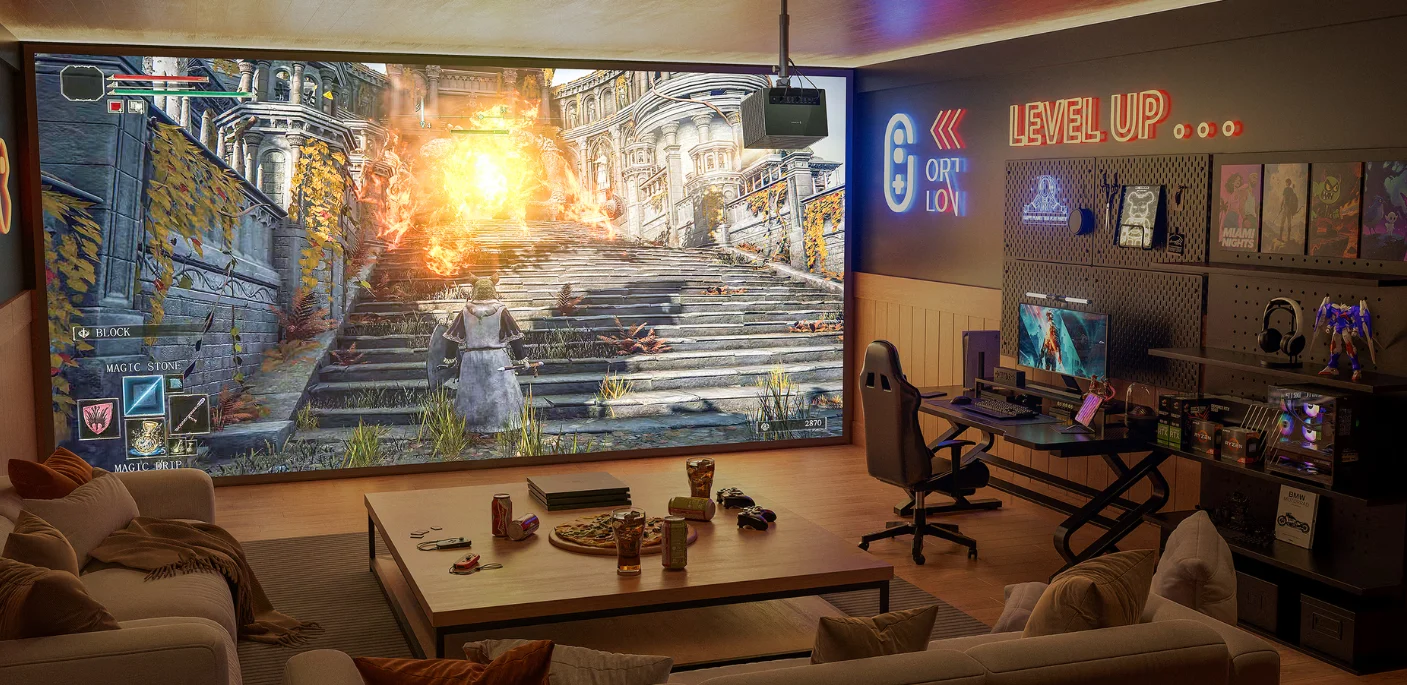
While a 65-inch TV at a distance of two meters often feels like just a window into the game, a screen size of 100 to 150 inches almost completely fills your peripheral vision—the level of immersion is entirely different. However, to ensure the experience isn’t disrupted by stuttering or input lag, the core specifications of the projector must match the performance of current consoles and PCs.
What matters most: The 3 key specs for gaming projectors
If you're looking for a projector for next-gen gaming, you should set aside the classic home theater metrics for now. In gaming, three factors are especially important.
1. Input Lag: The Critical Factor

Input lag refers to the time in milliseconds (ms) between pressing a button on the controller and the visible response on the screen. For gamers, this is the most important technical specification.
- Over 50 ms:No problem for movies, but unacceptable for gaming. The controls feel sluggish and unresponsive.
- 20 ms to 40 ms:The average range. Sufficient for casual gaming, story-driven games, and the Nintendo Switch.
- Under 16 ms:The benchmark for demanding gamers. From this point, fast-paced shooters and competitive online gaming are possible without noticeable disadvantage.
- High-end (up to 1 ms):Current flagship models achieve input lag as low as 1 ms thanks to advanced image processing chips and dedicated gaming modes—typically in 1080p/240 Hz operation. Any delay is virtually imperceptible.
2. 4K UHD Resolution & 120 Hz: The Next-Gen Standard
Current consoles are designed to play games in native4K UHD resolutionto calculate at up to 120 frames per second. While 60 Hz is still sufficient for slower-paced games, 120 Hz noticeably reduces motion blur during fast movements and camera pans. To take full advantage for gaming, make sure the projector can handle 4K and 120 Hz simultaneously.
3. HDMI 2.1, VRR & ALLM: Essential for modern consoles
To transmit 4K at 120 Hz from the console to the projector, HDMI 2.1 is essential. Older HDMI 2.0 ports limit the signal. In addition, HDMI 2.1 offers two important gaming features:
- ALLM (Auto Low Latency Mode):The projector automatically detects the console signal and disables processing-intensive image enhancements such as MEMC – input lag is reduced to a minimum.
- VRR (Variable Refresh Rate):The projector's refresh rate dynamically adapts to the console's frame rate. This prevents screen tearing, which is the horizontal splitting of the image caused by uneven frame rates.
Brightness: Are 3,000 lumens enough for the living room?
A common pitfall when buying a projector is the brightness specification. Beware of misleading marketing figures: low-cost devices often appear on sales platforms claiming values like "20,000 lumens." These almost always refer to LED light source values, which have nothing to do with the actual image brightness on the screen.
What matters is theDifference between lumens and ANSI lumensor ISO lumens. A high-quality laser projector with a true 2,500 to 3,500 ISO lumens offers exceptional brightness. When combined with a contrast-enhancing screen, such a device canin the living roomcan be used for gaming even during the day with moderate ambient light – without needing to completely darken the room.
Why ultra-short throw projectors (laser TVs) are ideal for gamers
With traditional ceiling-mounted projectors, there is a common issue: if you lean forward while playing or walk across the room, you cast a shadow right in the middle of the image.
Ultra-short throw projector(UST), often referred to as laser TVs, completely avoid this issue. They are placed just a few centimeters in front of the projection surface on a lowboard. Modern devices use RGB triple-laser technology: separate lasers for red, green, and blue deliver exceptional color gamut coverage and high contrast values. Supported by formats such asDolby VisionThis allows dark scenes in horror games to be reproduced with the same level of detail as dazzlingly bright sci-fi settings.
Bring premium standards home
For a long time, home theater enthusiasts and gamers had to make compromises: those who wanted a large screen chose a projector, while those who prioritized response time and contrast stuck with a TV.
The fact that both are now combined in one device is demonstrated, for example, by theAWOL Vision Aetherion Max. The device demonstrates the capabilities of modern laser projection: Three full-featured HDMI 2.1 ports enable native 4K output at 120 Hz. With input lag as low as 1 ms, VRR, ALLM, and Dolby Vision, the projector is also suitable for competitive gaming. The RGB triple-laser light source achieves 3,300 ISO lumens—enough to deliver an impressive image on a projection area of up to 200 inch, not only in a darkened home theater but also in a regular living room.
Checklist: How to Get the Most Out of Your Gaming Setup
- Check game mode:If the projector does not support ALLM, game mode must be activated manually. Otherwise, internal image processors will cause noticeably increased input lag.
- Note cable certification:For PS5 and Xbox Series X, only use certified Ultra-High-Speed HDMI cables (48 Gbps). An outdated cable is the most common cause of image dropouts at 4K/120 Hz.
- Choose the right screen:A UST laser TV only reaches its full potential with a suitable CLR or ALR screen that absorbs ambient light and enhances contrast. OurScreen Buying Guidehelps you choose the right material.
Frequently Asked Questions (FAQ)
Can you game with a projector?
Yes. Modern gaming projectors—especially laser TVs—offer dedicated game modes, very low latency, and high refresh rates, enabling smooth and competitive gameplay without noticeable delay.
When is a 4K projector worth it?
You can find a detailed overview in our articleIs a 4K projector worth itAs a general rule: For a screen size of 100 inch or larger combined with a PS5 or Xbox Series X, 4K is a must. The sharpness advantage over 1080p is unmistakable at this size—especially for in-game text and HUD elements.
Which projector is suitable for the PlayStation 5?
To fully leverage the capabilities of the PS5 (and Xbox Series X), a projector with full-featured HDMI 2.1 ports is required. The device must support 4K at 120 Hz, VRR, and ALLM. Input lag should be below 16 ms.
Is 4K at 120 Hz good for gaming?
Yes, this is currently the technical gold standard for console gaming. 120 Hz means 120 individual frames per second – this noticeably reduces motion blur and makes fast camera movements significantly smoother.
Is 20,000 lumens a lot for a projector?
Such values from the low-price segment are almost always misleading—these are usually LED lumen specifications of the light sources. Rely exclusively on ANSI or ISO lumen values. For a bright living room in daylight, a true 2,500 to 3,500 ISO lumens is already an excellent value.
Discover More Insights