Find the perfect screen size for your home theater
July 11, 2025
You have found the perfect projector, selected the speakers, and your anticipation for your own home theater is growing. But now you are faced with one of the trickiest questions: What screen size is right for you?
100, 120, or even 150 inch – the options can be overwhelming. Many mistakenly believe that bigger is automatically better. But the truth is: The perfect projector screen size is a harmonious balance between your space, your seating position, and your projector.
This guide finally brings clarity. We provide you with a simple formula and all the expert tips you need to calculate the ideal screen size—for a truly cinematic experience.
The golden rule: Your seating distance determines the screen size
Forget about inch specifications and complicated data sheets for a moment. By far the most important rule when choosing the right projector screen is the seating distance—that is, the distance between your eyes and the projector screen.
Think of a visit to a real cinema: if you sit too close, you have to move your head to see everything, and the image feels tiring. If you sit too far away, the impressive home theater experience is lost. Your goal is to fill your field of view comfortably, without overwhelming it.
How to calculate your optimal screen size – in 20 seconds
To convert the ideal distance into a specific measurement, there is a proven formula from home theater practice. It is surprisingly simple:
Seating distance (in cm) × 0.6 = Optimal screen width (in cm)
An example calculation: Let's assume your sofa is 3.5 meters (i.e., 350 cm) away from the wall where the screen will be mounted.
350 cm × 0.6 = 210 cm
Your ideal screen width is therefore approximately 210 cm. With this number, you have a perfect starting point for your search for the right screen size.
From Width to Diagonal: Common Screen Sizes in Practice
You now know your ideal width. However, screens are almost always sold in inches, which refers to the diagonal screen size. How do these measurements relate?
The following table converts your calculated width into common retail sizes. Simply find the screen whose width best matches your result:
| Diagonale (Zoll) | Ungefähre Breite (cm) | Ideal für Sitzabstand |
|---|---|---|
| 90" | ca. 200 cm | ca. 3,3 m |
| 100" | ca. 221 cm | ca. 3,7 m |
| 110" | ca. 243 cm | ca. 4,0 m |
| 120" | ca. 266 cm | ca. 4,4 m |
| 130 Zoll Leinwand | ca. 288 cm | ca. 4,8 m |
Table for a 16:9 format. Dimensions may vary slightly depending on the manufacturer.
This overview helps you find the standard screen size that perfectly fits your space.
The most common question: “Why not just choose the largest screen?
This is an excellent and completely logical question that almost everyone asks. If the projector can zoom the image, why not choose a larger screen for maximum compatibility with different content?
The answer is the key to truly excellent image quality. Here are the two main reasons why calculating the correct screen size is better than simply maximizing it:
Problem #1: The image is too dark
As the image size increases, the brightness of a projector is distributed over a larger area. An excessively large screen therefore results in reduced brightness per square meter—the image appears less vivid and has lower contrast.
This is exactly what happens with light: the larger the image, the more the light is distributed, and the image brightness (luminance) decreases. A properly sized screen ensures that brightness and contrast ratio are utilized optimally.
Problem #2: The contrast effect provided by the frame is lost
The black border of your screen is more than just decoration. It serves as the frame for your viewing experience. This border absorbs stray light and enhances perceived contrast. Your brain is tricked into perceiving the image within the frame as sharper and more vibrant.
If your projected image is smaller than the screen, it will "float" within a large, unused gray area. This is not only distracting, but also destroys the important contrast effect and the overall cinema illusion.
Modern solution for compact spaces: ultra-short throw projector
You might be thinking: “According to my calculation, I get a 120-inch screen, but my room isn’t long enough to place the projector that far back!
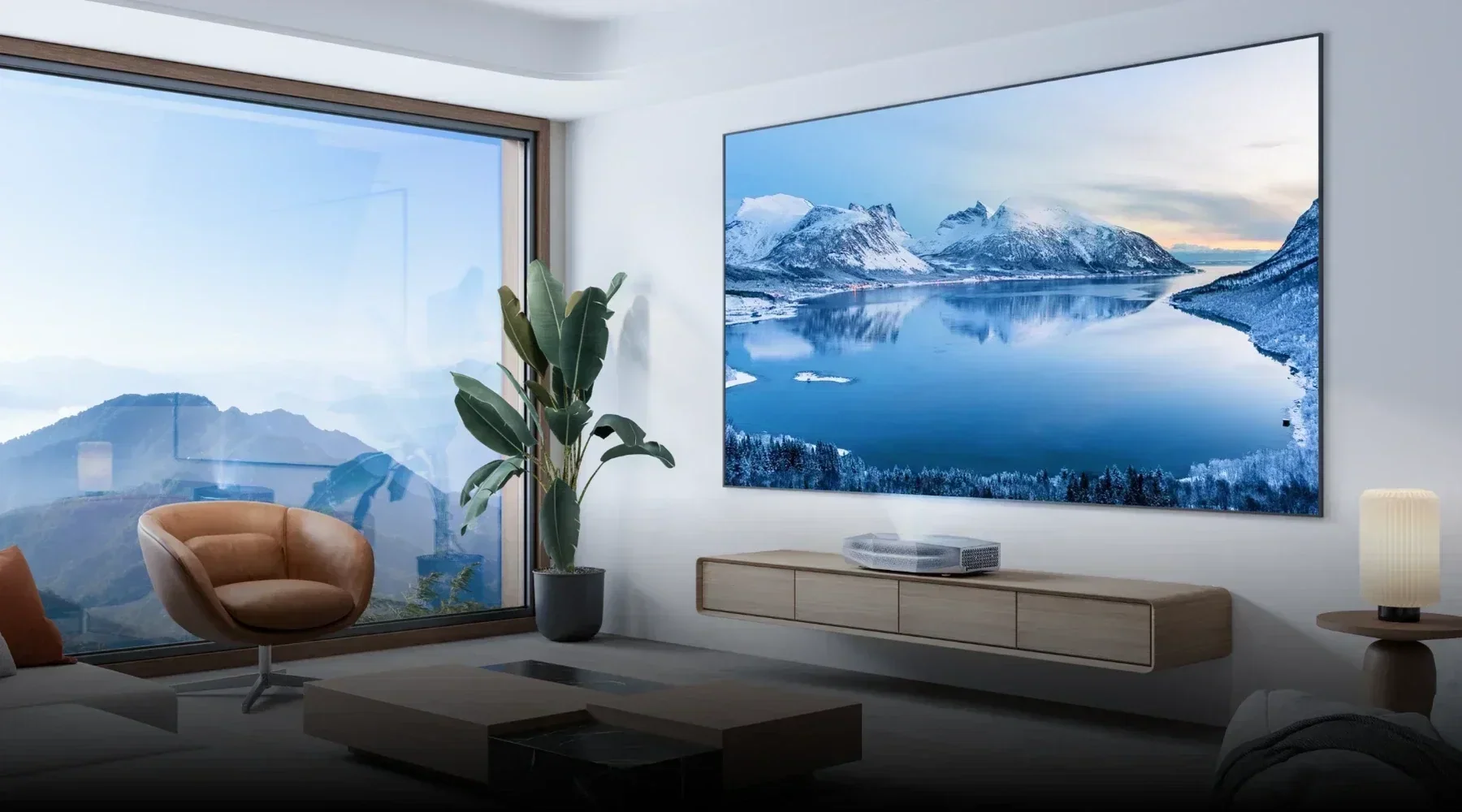
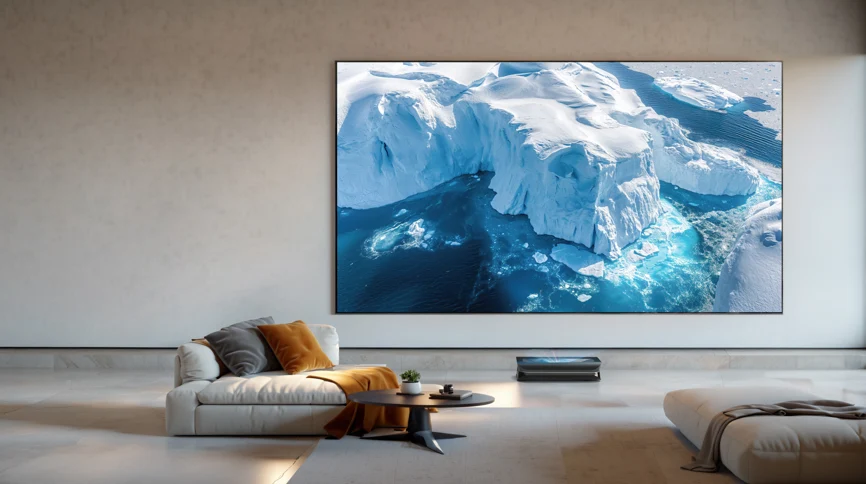
This is where an innovative technology comes into play: the ultra-short throw projector (UST), often referred to asLaser TVUnlike traditional projectors that require several meters of distance, UST devices are placed directly in front of and below the screen on a lowboard—just a few centimeters from the wall.
This technology has revolutionized home cinema. Modern ultra-short throw projectors achieve impressive brightness levels of 3000+ ISO lumens and use advanced triple-laser light sources for brilliant colors and deep contrast. Premium models such as theAWOL Vision Aetherion MaxandAetherion Proeven support Dolby Vision and are specifically designed to optimally illuminate large screens in bright living spaces.
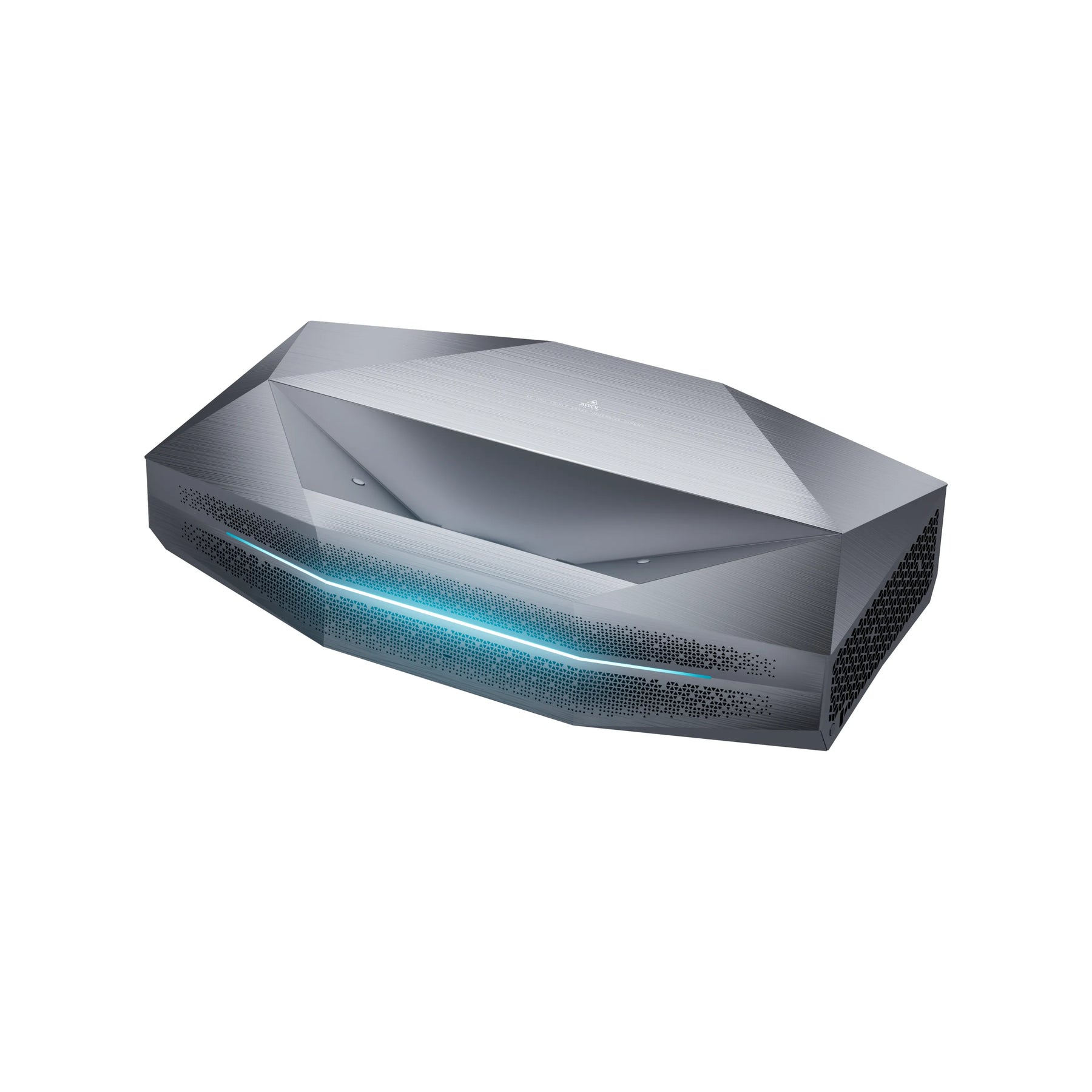
Aetherion Max 4K RGB ultra-short throw projector €3,699.00 €3,999.00 4K up to 200 inch 3300 ISO lumens 6000:1 contrast PixelLock™ Anti-RBE 2D/3D 110% Rec.2020 VRR + 1 msPre-order
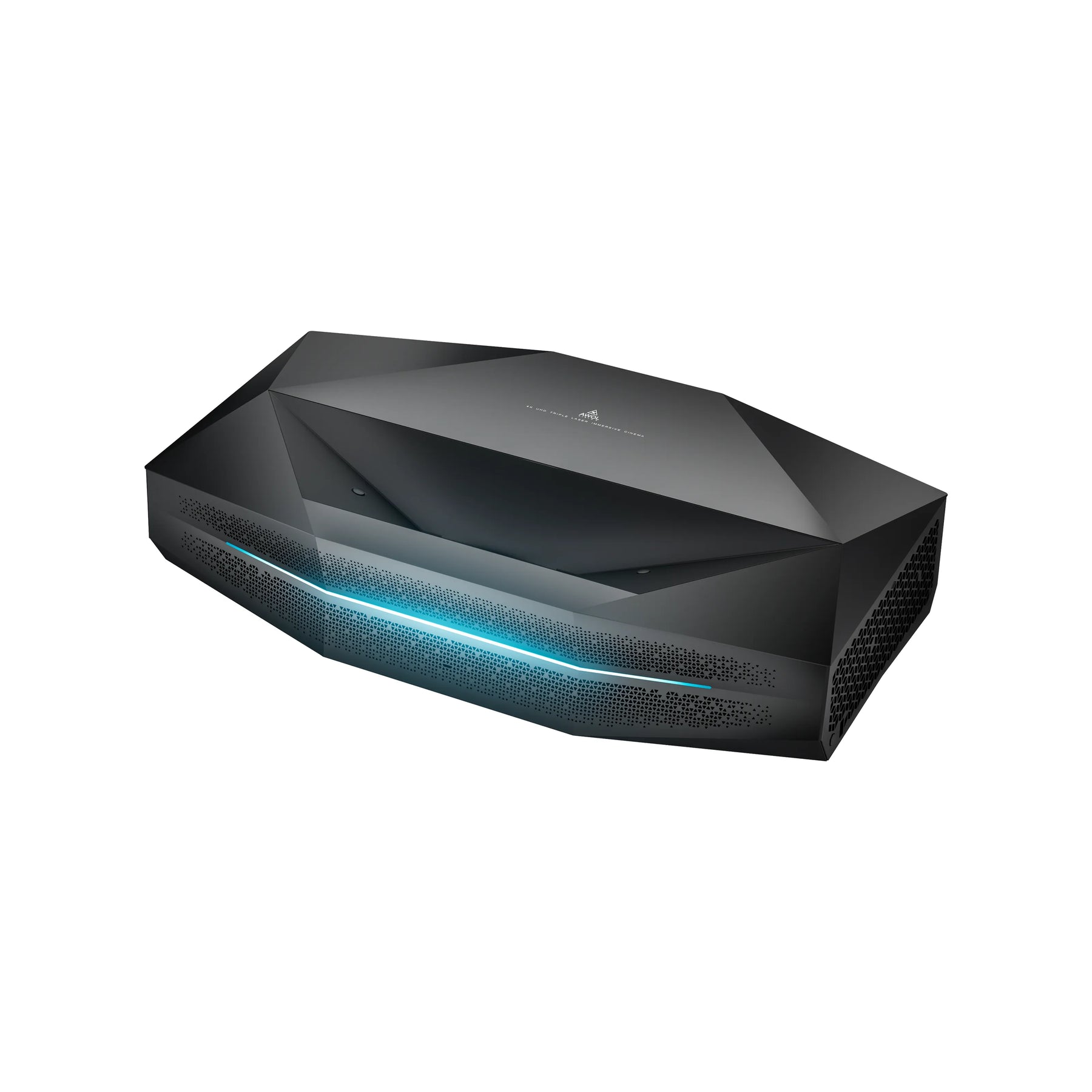
Aetherion Pro 4K RGB ultra-short throw projector €2,799.00 4K up to 200 inch 2600 ISO lumens 6000:1 contrast PixelLock™ Anti-RBE 2D/3D 110% Rec.2020 VRR + 1 msPre-order
The perfect addition: ALR screens for optimal image quality
A powerful laser TV is only half the equation, especially in a bright living room. This is where a special screen technology comes into play: ALR screen (Ambient Light Rejecting).
Imagine an intelligent surface designed to absorb up to 80% of light from ceiling lamps or windows, while specifically reflecting only the light from the ultra-short throw projector placed below it to your eyes. The result is a high-contrast, vibrant image that rivals a premium TV, even when the room is not completely dark.
TheAWOL Vision Cinematic ALRScreens are a perfect example of this technology. They are specifically designed for use with UST projectors and maximize image quality through their unique surface structure. This synergy between the AWOL Vision projector and a matching ALR screen ensures that you get the maximum performance from your setup.
Checklist: Additional Factors for the Ideal Screen Size
In addition to the distance, there are other important factors to consider:
Projector brightness (lumens): Do you have a particularly bright projector with 2500+ lumens? Then you have a bit more flexibility and can illuminate a larger screen size brilliantly.
Resolution (4Kvs. Full HD): With a 4K projector, you can sit a bit closer to the screen without seeing individual pixels. This may allow you to choose a slightly larger screen than the formula suggests.
Ambient light: In a living room that is not completely darkened, a slightly smaller but brighter and higher-contrast image can often appear more impressive than a huge, washed-out picture.
Ceiling height: Don't forget the vertical dimension—a 130 inch screen is about 1.6 meters high and requires sufficient space above and below.
Multiple seating positions: Do you have different seating areas? Use the average distance or the most common seat as your reference.
Conclusion: Your perfect screen size in 3 simple steps
The choice ofthe right projector screenSize is not a science in itself, but rather a simple, methodical approach. With this knowledge, you can calculate the screen size and are well prepared to make your decision:
- Measure: Determine the exact distance from your preferred seating position to the wall.
- Calculate: Multiply this value in cm by 0.6 to determine your ideal screen width.
- Choose: Compare your result with our table and select the screen size that best matches your calculated width.
Remember: Modern ultra-short throw projectors and ALR screens open up entirely new possibilities for your home theater, even in compact or brightly lit rooms. The right screen size and throw distance, combined with suitable technology, ensure unforgettable movie nights with cinema-quality visuals.
This ensures you find the perfect size for your own home theater experience.
FAQ on Choosing the Right Screen Size
How do you calculate the correct screen size?
The simplest method is the seating distance formula: Measure the distance between your seating position and the screen in centimeters and multiply this value by 0.6. The result is the recommended screen width. For example, with a seating distance of 350 cm, the ideal screen width is approximately 210 cm.
How large is a 100 inch screen?
A 100 inch screen in 16:9 format is approximately 221 cm wide. The exact height and width may vary slightly depending on the manufacturer, but this size is particularly well suited for small to medium-sized home theater rooms. As a general guideline, a 100 inch screen matches a seating distance of about 3.7 meters.
How large is a 120 inch screen?
A 120 inch screen in 16:9 format is approximately 266 cm wide. It is one of the most popular sizes for modern home theaters, as it offers a significantly larger image than a television without appearing too dominant in many living spaces. It is ideal with a viewing distance of around 4.4 meters.
What is the ideal screen size for projectors?
The ideal screen size mainly depends on seating distance, room size, projector brightness, and resolution. For many home theaters, 100 to 120 inch is a good range. If you use a bright 4K projector or an ultra-short throw projector, you can choose larger formats, but make sure the image does not become too dark or tiring for the eyes.
Is a bigger screen always better?
No, a larger screen is not automatically better. If the screen is too large, the projector's light is spread over a bigger area, which can make the image appear dimmer and less contrasty. Additionally, an overly large image can be uncomfortable when viewed from a short distance. The key is to find a balanced combination of screen size, viewing distance, and ambient light.
Which screen size is suitable for an ultra-short throw projector?
An ultra-short throw projector is particularly well-suited for large screen sizes in compact spaces, as it is placed directly in front of the wall or screen. Common sizes are 100, 120, or 130 inch. For bright living rooms, a suitable ALR screen is recommended, as it reduces ambient light and improves the contrast of the projected image.
Discover More Insights