Is a 4K projector really worth it? The ultimate technical guide 2026
July 24, 2025
The dream of having your own home theater—a huge, razor-sharp image that fully immerses you in the action. This dream is now more accessible than ever. But with the abundance of new technology, one crucial question arises: Is it really worth making the financial leap from a proven 1080p device to a modern 4K projector?
This guide looks beyond the marketing buzzwords. We will examine the two technological pillars of themodern projection – Resolution (4K)and light source (laser) – systematically deconstruct. The goal is to equip you with the in-depth knowledge you need to make an informed decision that suits your needs.
What does the 4K projector really offer?
A 4K projector offers significant improvements in four key areas, transforming simply watching a screen into a true cinematic experience. Primarily, it provides:
- 1. Exceptional detail and clarity: With over 8 million pixels—four times more than Full HD—the image is incredibly sharp. This eliminates the so-called "screen door effect" (the visible pixel grid), resulting in a smooth, cinematic image, especially on large screens.
- 2. Enhanced color and depth (HDR): Beyond sharpness alone, 4K projectors supportHigh Dynamic Range (HDR), resulting in brighter highlights, more detailed shadows, and a wider range of vibrant, true-to-life colors. This noticeably enhances the image’s realism and “pop.
- 3. Future-Proof Technology: 4K is the established standard for high-quality content, whether on major streaming platforms (Netflix, Disney+), modern gaming consoles (PS5, Xbox Series X), or physical media (4K UHD Blu-ray). Investing in 4K ensures compatibility for the years to come.
- 4. True Cinematic Immersion: The high resolution maintains its integrity even at large screen sizes from 100 to 150 inch (approx. 2.5 to 3.8 meters) and beyond. This enables an immersive experience that a TV simply cannot replicate.
Pillar 1: Decoding 4K resolution
1. More Than Just a Name: UHD vs. DCI 4K
Although the term "4K" is ubiquitous, in the home environment it refers to the Ultra High Definition (UHD) standard with a resolution of 3840 × 2160 pixels. As this is exactly four times the Full HD resolution, upscaling content is simplified. Distinct from this is the slightly wider DCI 4K standard (4096 × 2160 pixels), which is used in professional cinema.
2. The Core Difference: How the 8.3 Million Pixels Are Generated
Technology A: Native 4K
This technology, used in premium home theater projectors, employs an image chip with a physical grid of 8.3 million individual pixels. This is the most direct and pure method for producing a 4K image. However, the complex and error-prone manufacturing process for these large, flawless chips results in a significant price premium.
Technology B: Advanced Pixel-Shifting (4K Enhancement)
This clever and widely used technology employs a chip with lower resolution (usually 1920 × 1080) and a high-precision actuator. The actuator shifts the chip several times per frame within a fraction of a second (for example, diagonally by half a pixel width). The human eye integrates these rapidly successive, overlapping images into a single, high-resolution overall image. This method is so effective that it is certified as "True 4K UHD" by the Consumer Technology Association (CTA), making projectors available at a significantly more accessible price.
Column 2: The Revolution of the Light Source (Lamp vs. Laser)
1. The disadvantages of traditional lamps
Conventional projector lamps have significant drawbacks: a short lifespan (2,000–6,000 hours) with high replacement costs, long warm-up and cool-down periods, and high heat generation resulting in loud fans. However, the most critical issue is that brightness decreases rapidly and non-linearly. A lamp can lose up to 25% of its original brightness within the first 500 hours, noticeably affecting image quality over time.
2. The advantages of laser illumination
Lasers as a light source solve these problems. They offer an extremely long lifespan of 20,000 hours or more and are virtually maintenance-free. Their key advantage is the slow and linear decrease in brightness, ensuring much more consistent image performance throughout their entire lifespan. In addition, they enable instant operation (Instant On/Off), allowing a projector to be used like a television—a core requirement for modern “lifestyle” concepts.
3. How Laser Light Works (Simplified)
- Single-laser phosphor: This is the most common design. A blue laser excites a rotating wheel coated with phosphor to generate yellow light. This yellow light is then split into red and green components and combined with the original blue light to produce overall white light.
- Triple-laser (RGB): This is the most advanced design. Three separate lasers for red, green, and blue generate the image. This method does not require color or phosphor wheels, resulting in extremely pure colors and the widest possible color gamut. For example, devices like the AWOL Vision LTV-3500 Pro use exactly this technology to achieve an impressive color performance of 107% of the BT.2020 color gamut.
Beyond the Basics: Specifications That Truly Matter
1. Brightness: ISO lumens and real-world performance in cinema mode
Only rely on standardized brightness specifications such as ISO lumens (according to ISO 21118). Disregard non-standardized marketing terms. Important practical tip: The maximum brightness of a projector is achieved in the least color-accurate mode. In calibrated “Cinema” or “Filmmaker” mode, actual brightness can be 40–50% lower. A higher initial ISO lumens value provides more headroom for a bright and vivid image after calibration.
2. Contrast: Native vs. Dynamic
Native contrast refers to the inherent contrast capability of the image chip and is the most important indicator for image depth and detail in dark scenes. Dynamic contrast, on the other hand, is often purely a marketing value, artificially increased through technical tricks such as a mechanical iris or laser dimming, and says less about typical image performance.
3. The World of Colors: Rec.709, DCI-P3, and BT.2020

- Rec.709: The standard for HDTV and regular Blu-rays.
- DCI-P3: The expanded color gamut used in digital cinema and 4K UHD content. Coverage of over 95% of the DCI-P3 color gamut is the goal for authentic 4K HDR playback.
- BT.2020: The forward-looking standard with an extremely wide color gamut. A projector’s ability to cover a high percentage of BT.2020 is a sign of its technological performance. High-end UST projectors such as the AWOL Vision LTV-3500 Pro can even exceed 100% coverage of this demanding standard thanks to their triple-laser engine, delivering exceptionally rich color reproduction.
The HDR Mandate: Why Dynamic HDR Matters
1. The Problem: Tone Mapping with Limited Brightness
Projectors have significantly lower brightness (luminance, measured in nits) than modern televisions. When they receive an HDR signal created on an extremely bright professional monitor, they must compress this wide brightness range to match their own limited capabilities. This process is called "tone mapping.
2. The Solution: Static vs. Dynamic Metadata
- Static HDR (HDR10): Sends metadata only once for the entire movie. This forces the projector to compromise, often resulting in an overall image that is too dark or with blown-out highlights.
- Dynamic HDR (Dolby Vision, HDR10+): Sends new instructions for each scene or even every single frame. This allows the projector to optimize its tone mapping in real time. For projectors, this is a critical feature to deliver consistently impressive HDR images. For this reason, high-performance devices such as the AWOL Vision LTV-3500 Pro place importance on supporting all major dynamic formats, including Dolby Vision and HDR10+.
Space and Screen: The Foundation for a Perfect Image
1. The placement decision (the throw distance)
- Standard/long-throw (throw ratio >1.5:1): Requires significant distance, ideal for ceiling mounting in a dedicated home theater.
- Short-throw (throw ratio 0.4:1 – 1.0:1): Ideal for smaller spaces, reduces shadow casting.
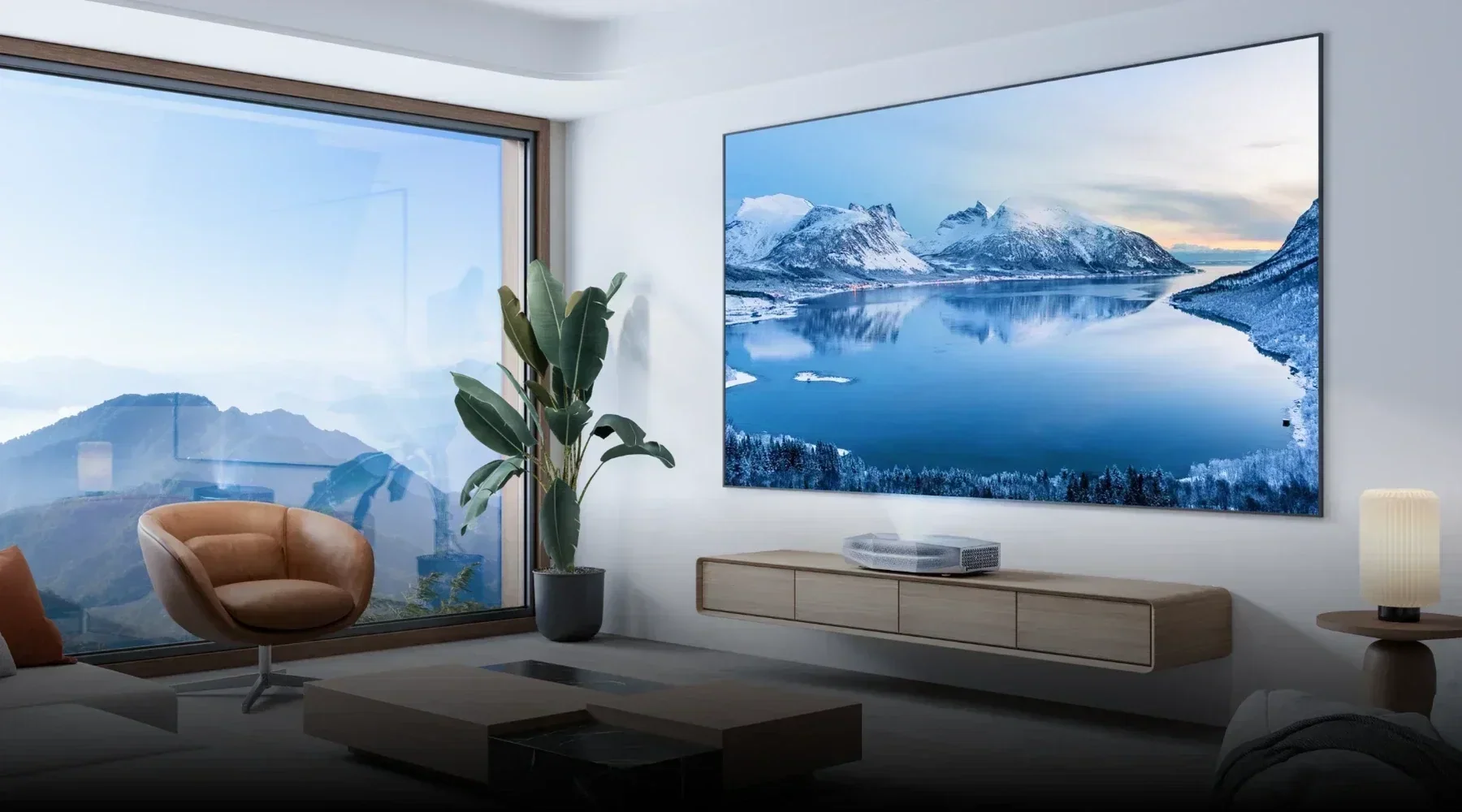
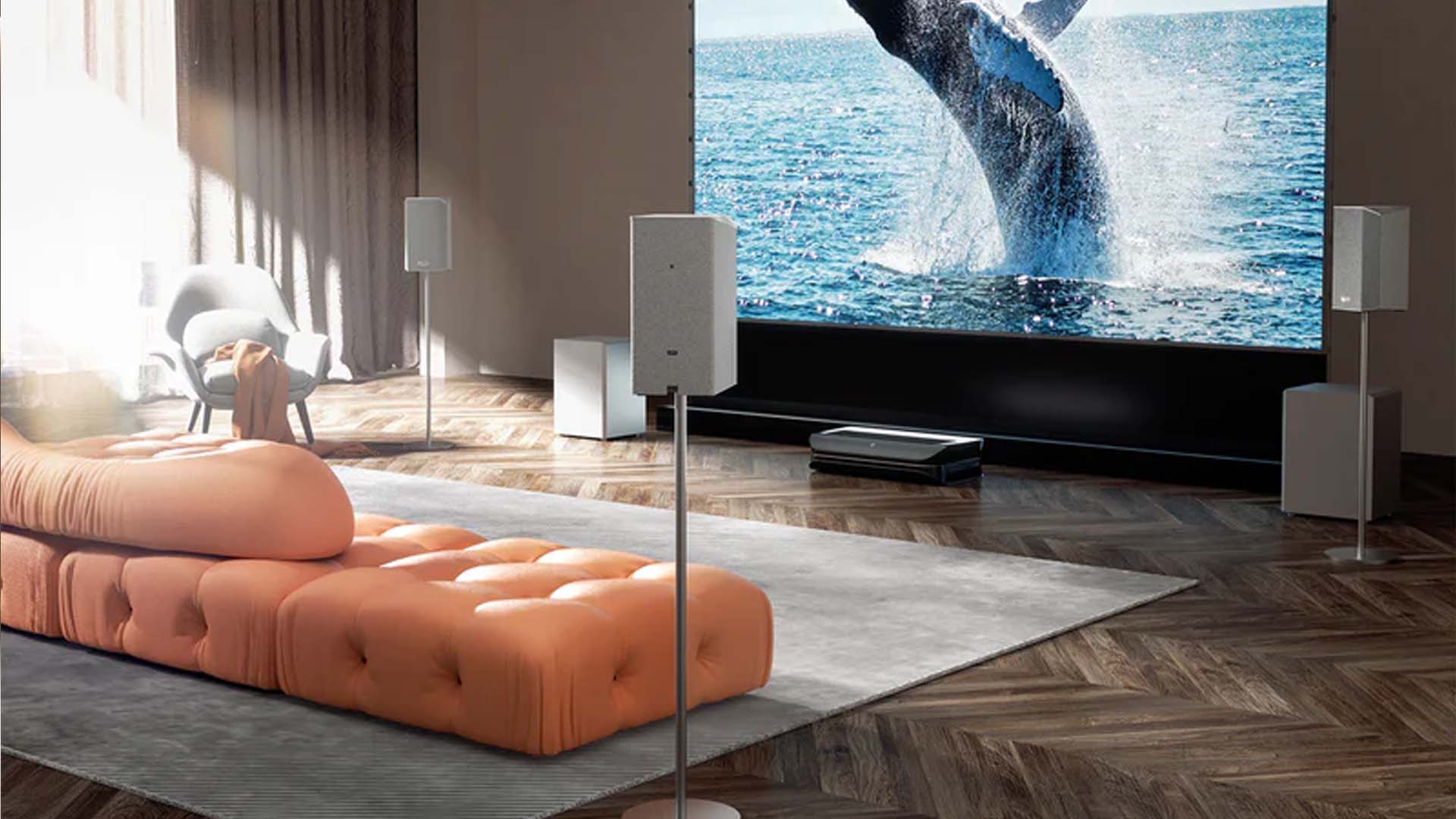
- Ultra-short throw/UST (ratio <0.4:1): Sits directly against the wall. A UST projector like the AWOL Vision LTV-3500 Pro embodies this concept: simply place it on a sideboard and it projects a huge image from just a few centimeters away.
2. The Screen: An Essential Optical Partner
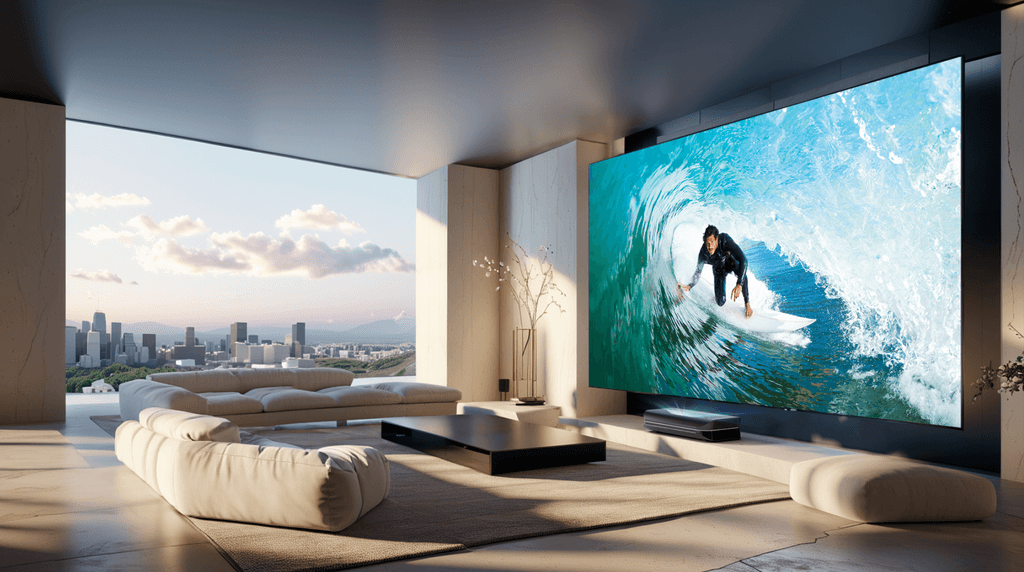
A white wall is not a substitute for a screen, as its texture and lack of neutrality reduce image quality. For rooms with ambient light, ALR screens (Ambient Light Rejecting) are essential, as they absorb stray light and reflect only the projector’s light toward the viewer.
To get the full performance from a very bright projector like the AWOL Vision LTV-3500 Pro with its 3000 ISO lumens, a suitableUST-ALR screenin a living room, not an optional enhancement, but an essential requirement for achieving a high-contrast, non-faded image.
Final verdict: Who should make the switch to 4K?
YES, the upgrade makes sense for you if...
- ...you are a detail-oriented viewer who values visual quality and authenticity above all else.
- ...exceeds your planned screen size of 100 inch (2.5 meters).
- ...your main sources (streaming, gaming, disc) consistently provide 4K content.
- ...you want to make a long-term, future-proof investment in your home theater.
NO, another solution is probably wiser if...
- ...the budget is the most important limiting factor.
- ...if your screen size is under 100 inch, where the advantages are less pronounced.
- ...You mainly watch regular TV, DVDs, or occasional streaming in lower resolution.
- ...the projector is primarily used in a very bright, non-optimized room.
Choosing a 4K projector is less about a purely technological necessity and more about a personal consideration of viewing habits, room conditions, screen size, and budget. The goal is to select the technology that best serves your individual viewing experience.
Discover More Insights