How does a projector work? Simple and clear explanation
October 20, 2025
Have you ever wondered how a relatively small device can project a huge, razor-sharp image onto the wall? A projector (also known as a video projector) may seem like pure magic at first glance, but behind it lies fascinating and advanced technology.
It can be frustrating to understand how things work when you're faced with technical terms like DLP, LCD, or lumens. But don't worry.
In this guide, we explain in simple and clear terms how a projector works, the different technologies available, and what you really need to know to understand the technology behind it.
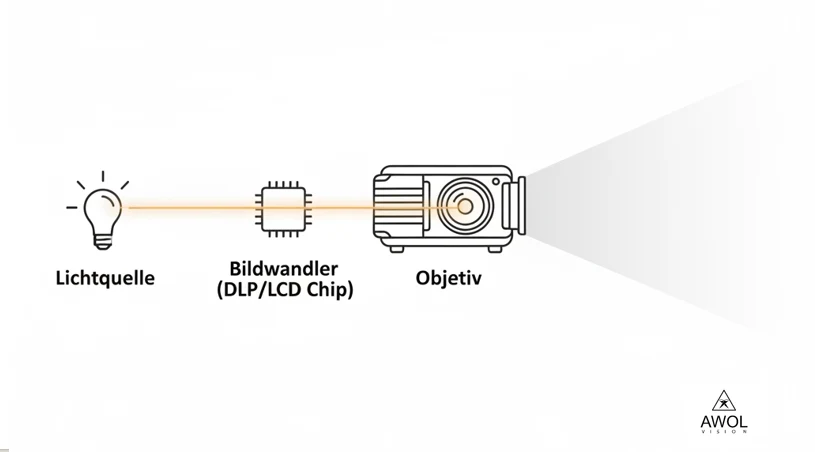
The basic principle in 3 steps: light, image, and optics
Regardless of the specific technology, every modern projector follows a basic three-step principle to produce an image.
- Step 1: Light generation:Inside the projector, a powerful light source—usually a traditional lamp, a long-lasting LED, or a state-of-the-art laser—produces a very bright, white light.
- Step 2: Image conversion:This light is directed onto a special image converter chip or through panels. This tiny component is the heart of the projector. It splits the white light into millions of pixels and colors each one in the correct shade to form the digital image.
- Step 3: Projection:A high-quality lens (an assembly of lenses) at the front of the projector collects the formed image, focuses it, and projects it precisely and enlarged onto a screen or wall.
A look inside: The core components of a projector
To better understand the principle, let's take a closer look at the three key components that work together in every projector.
The light source (lamp, LED, or laser)
The type of light source has a significant impact on image quality, lifespan, and operating costs of the projector.
- Lamps (UHP):Were the standard for a long time. They are very bright, but have a limited lifespan (approx. 2,000–5,000 hours) and need to be replaced regularly.
- LEDs:Are more energy-efficient and have a significantly longer lifespan (often over 20,000 hours). They are often used in smaller and portable projectors.
- Laser:This is the most advanced and cutting-edge technology. Laser light sources are extremely durable (often 25,000 hours or more), offer consistently high brightness, excellent colors, and are virtually maintenance-free.
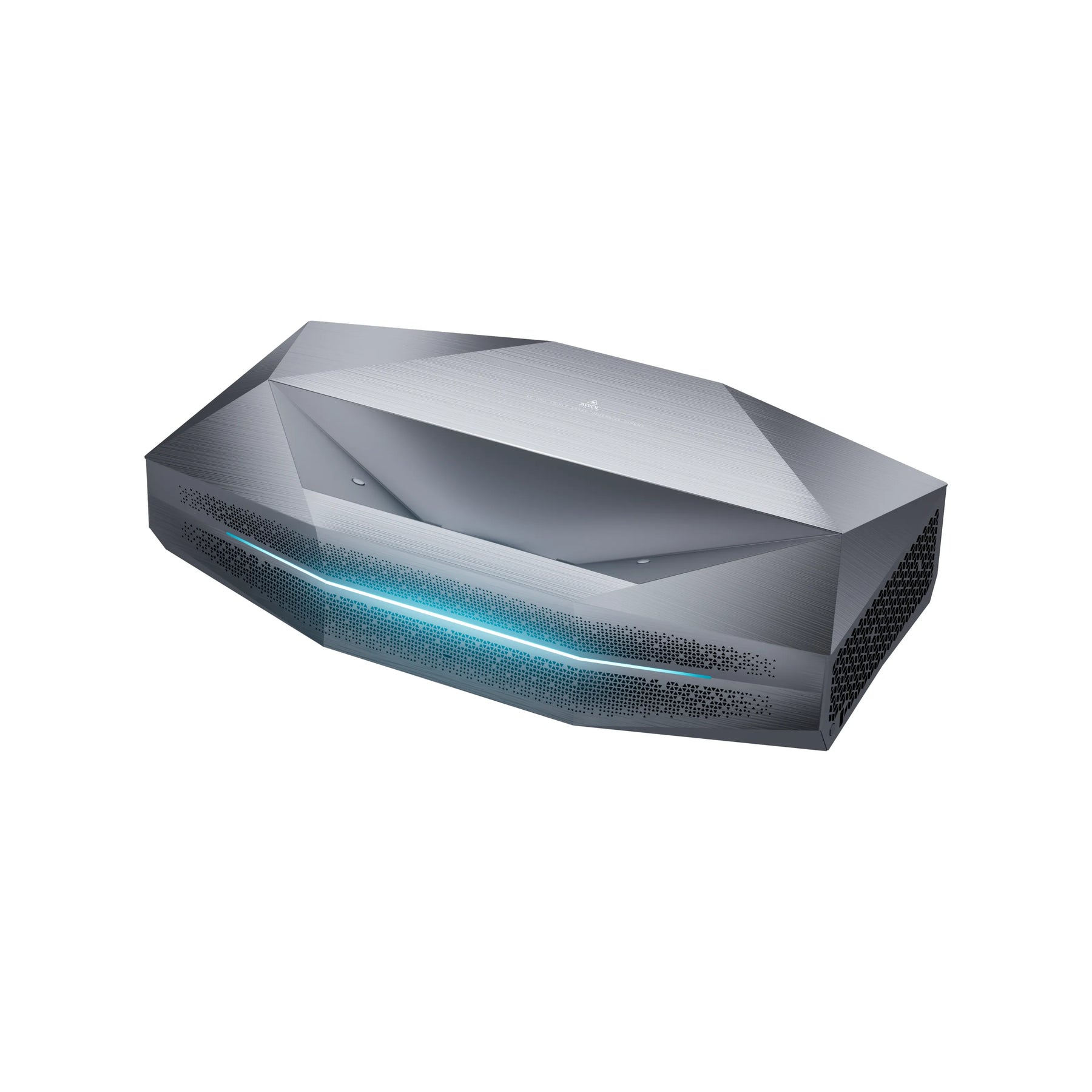
Aetherion Max 4K RGB ultra-short throw projector €3,699.00 €3,999.00 4K up to 200 inch 3300 ISO lumens 6000:1 contrast PixelLock™ Anti-RBE 2D/3D 110% Rec.2020 VRR + 1 msPre-order
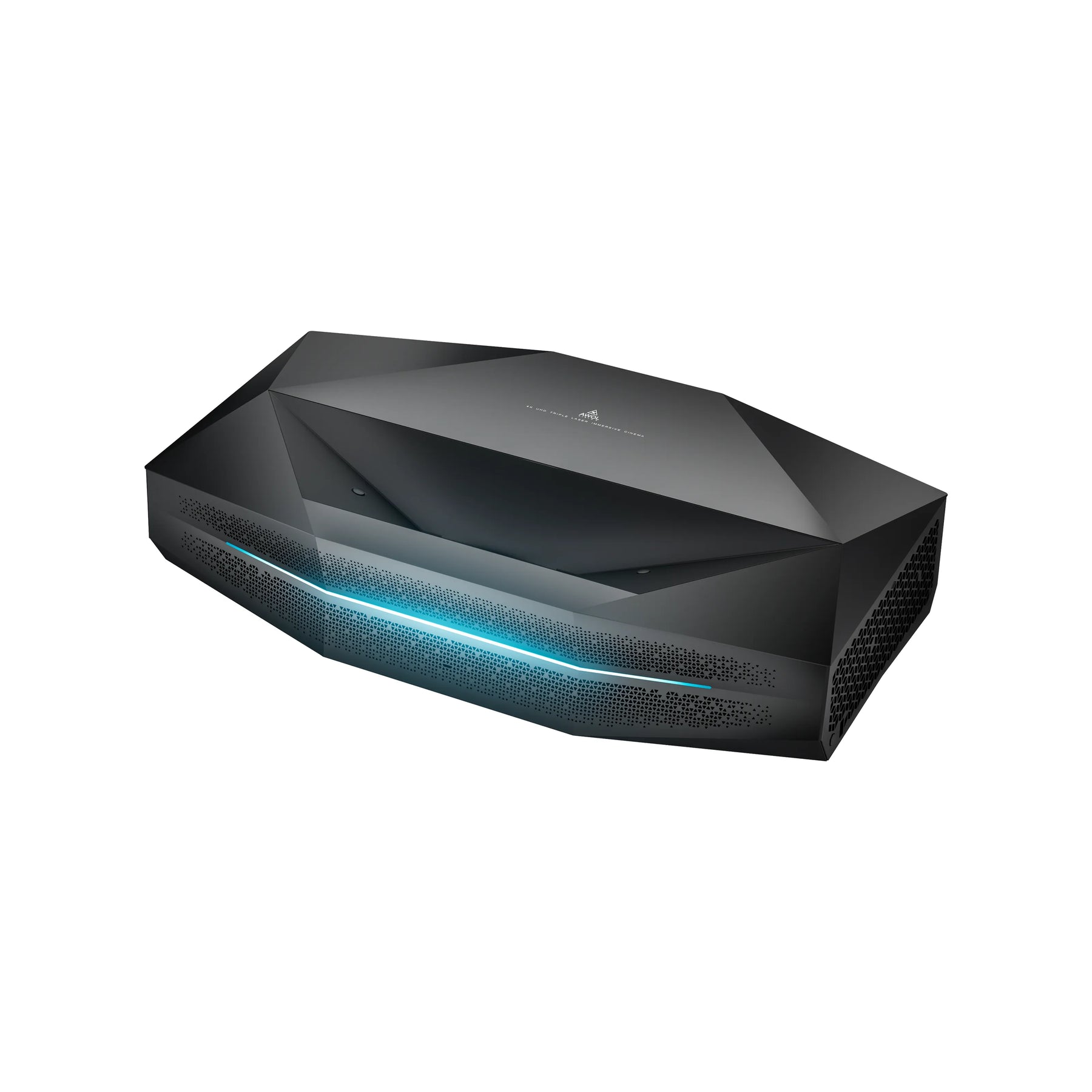
Aetherion Pro 4K RGB ultra-short throw projector €2,799.00 4K up to 200 inch 2600 ISO lumens 6000:1 contrast PixelLock™ Anti-RBE 2D/3D 110% Rec.2020 VRR + 1 msPre-order
The image processor (The heart of projection)
This is the component that provides the actual image information to the light. Various technologies are used here, which determine how the final image appears and, for example, whether itHDR or Dolby Visionsupported.
The lens (For a sharp and large image)
The lens is crucial for projection quality. It not only ensures that the image can be focused, but in many models also allows you toAdjust screen sizecan do so without moving the projector (zoom).
The key question: Which projection technology is right for you?
The type of image sensor is the most important technical distinguishing feature in projectors. The two most common technologies are DLP and LCD.
DLP projector (Digital Light Processing)
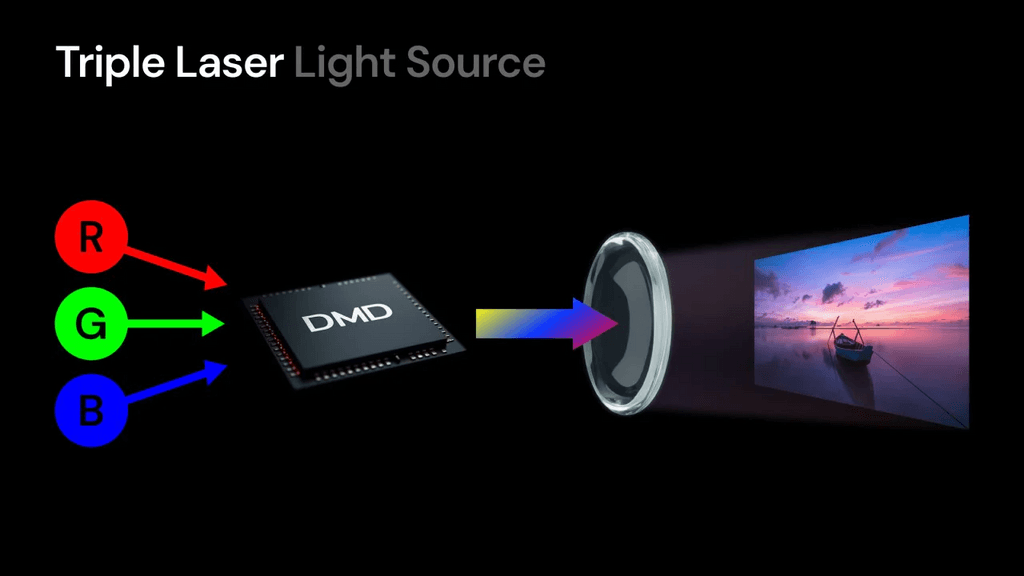
DLP projectors use a tiny chip covered with millions of microscopic mirrors—one mirror for each pixel. These mirrors tilt thousands of times per second to reflect light either toward or away from the lens. A rotating color wheel adds the colors.
- Advantages:Very sharp images, excellent black levels, and high contrast. One reason why many people ask,whether a 4K projector is worth it.
- Disadvantages:Some people may notice a "rainbow effect" (brief flashes of color) during fast motion.
LCD projector (Liquid Crystal Display)
This technology works similarly to a flat-panel display. The white light is split into the three primary colors (red, green, blue) and passed through a separate LCD panel for each color. These panels generate the image information for each color before they are combined again into a single, colored image.
- Advantages:Very vivid and rich colors, no rainbow effect.
- Disadvantages:Can be more susceptible to internal dust and often have slightly lower contrast compared to DLP devices.
LCOS / SXRD / D-ILA (For the highest demands)
These are hybrid technologies often found in high-end home theater projectors. They combine the advantages of DLP and LCD to deliver exceptional image quality with outstanding contrast and natural colors.
From source to screen: How does the image reach the projector?
A projector is essentially just a display device, like a monitor or a television. It therefore requires a source device to send it the video signal.
- Wired:The modern standard isHDMI. You can easily connect laptops, Blu-ray players, game consoles, or streaming boxes via an HDMI cable.
- Wireless:Many modern projectors feature integrated Wi‑Fi capabilities, allowing you to stream content directly from your smartphone or tablet using standards such as Miracast or AirPlay.
Frequently Asked Questions (FAQ)
What do you need for a projector?
For a good experience, you will need:
- TheProjectoryourself.
- AScreenor a smooth, white wall.
- ASource device(e.g. laptop, streaming stick, etc.).
- ACablefor connection (usually HDMI).
- Optional externalSound systemfor better sound, often viaHDMI eARCconnected.
Can a projector replace a TV?
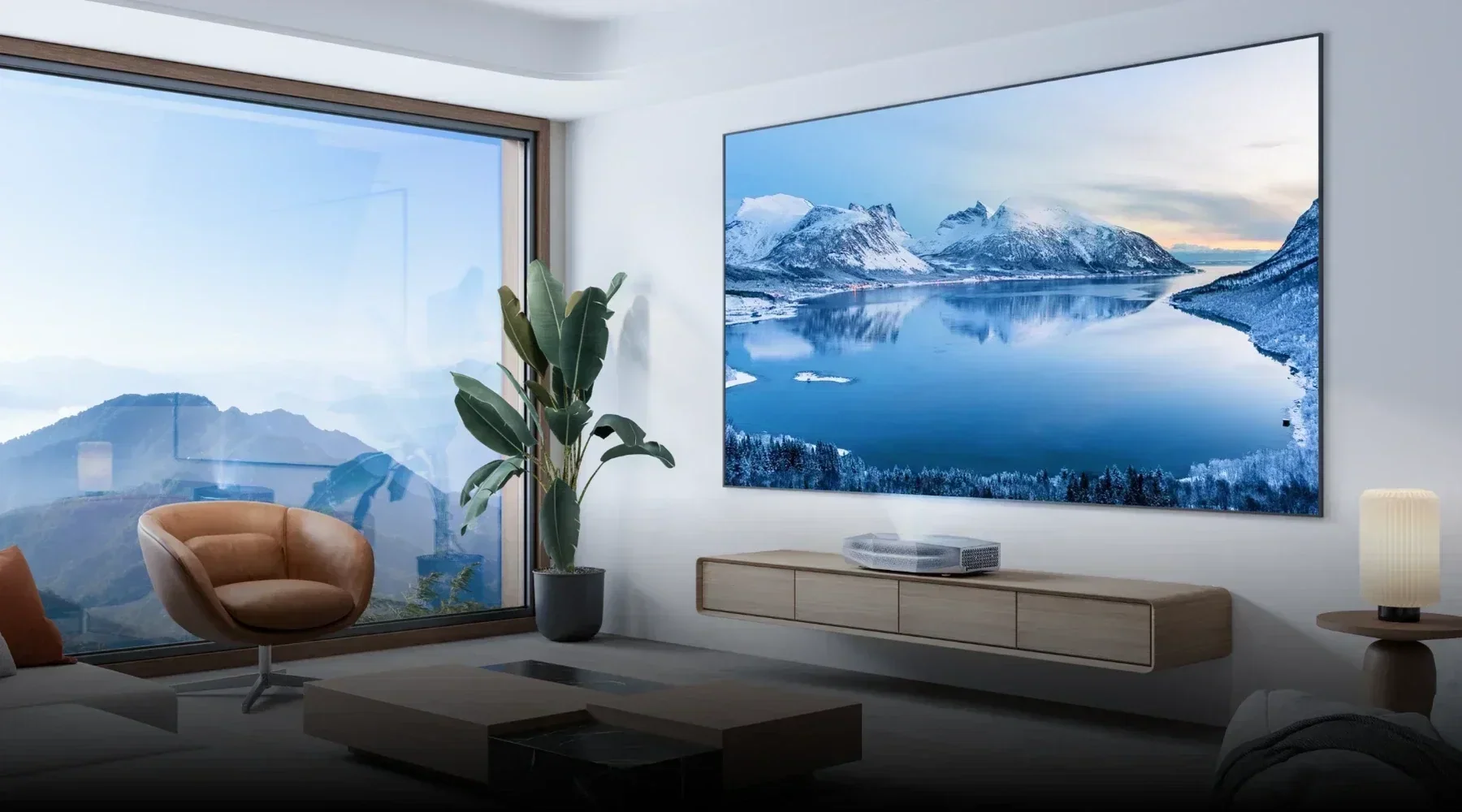
Yes, absolutely. Modern projectors, especially bright onesUltra-short throw projectors (also known as laser TVs), are specifically designed to replace the television in the living room. The questionProjector or TV?" depends on factors such as brightness for daylight use, light source lifespan, and easy installation.
What are the disadvantages of a projector?
Potential drawbacks include fan noise (especially with more affordable models), possible lamp replacement for older devices, and the need for a suitable projection surface. Projectors with lower brightness also require a darkened room to reach their full potential.
How do I connect my phone or laptop to a projector?
The easiest and most stable way to connect a laptop is with aHDMI cable. A smartphone can be most convenientlywirelessconnect via the projector's Wi‑Fi or screen mirroring function, as described in our guideConnect projector to smartphoneis explained. If the projector does not support this, you will need a special adapter for your smartphone.
Discover More Insights